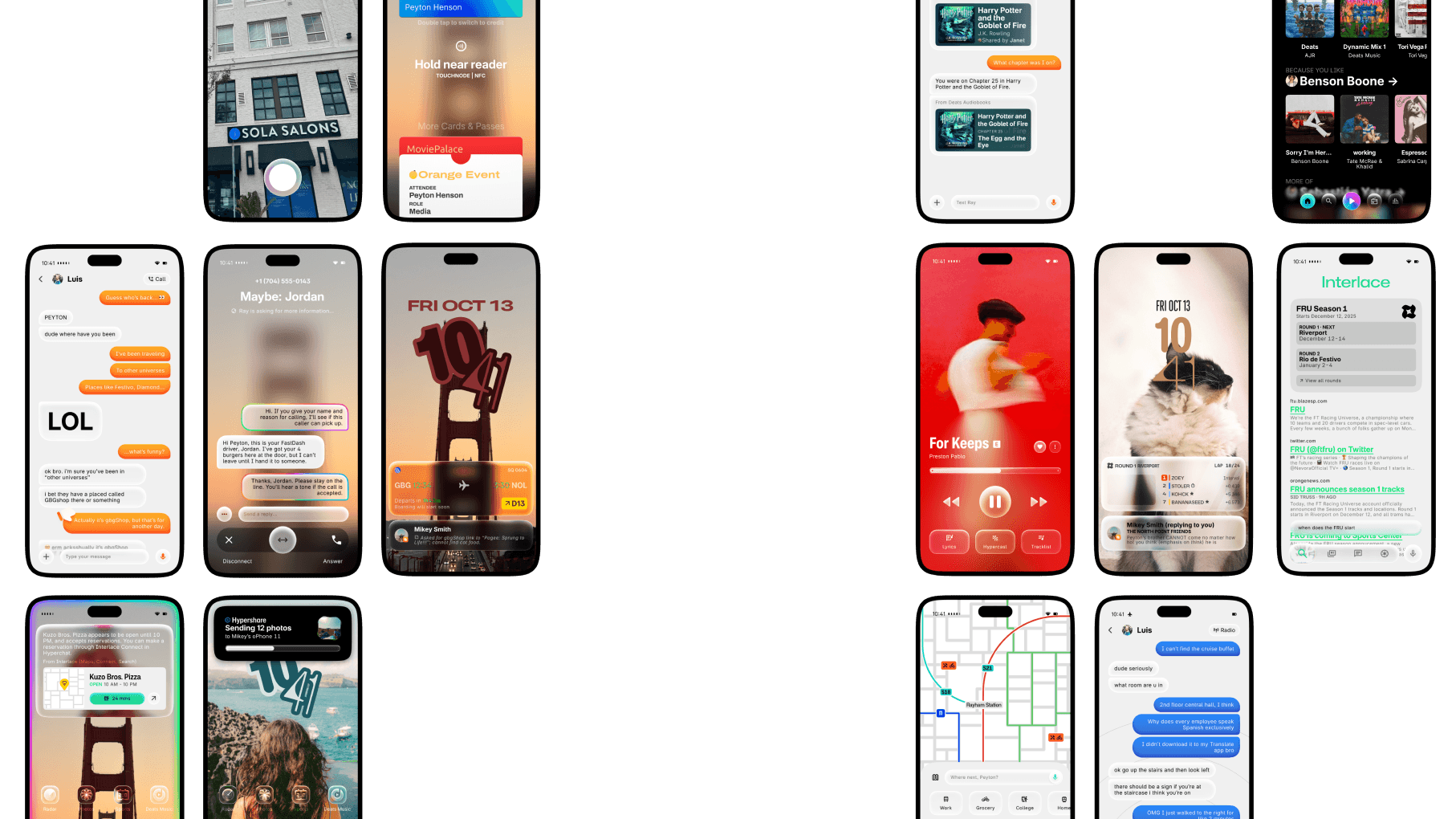
A whole new light.
blazeOS SF introduces a wonderful new look, bringing the first glass effects to the FTU. Ray, Interalce, Deats, and more receive massive updates that change how you use Hyperphone day in and day out. It's such a big update, we couldn't even give it a number.
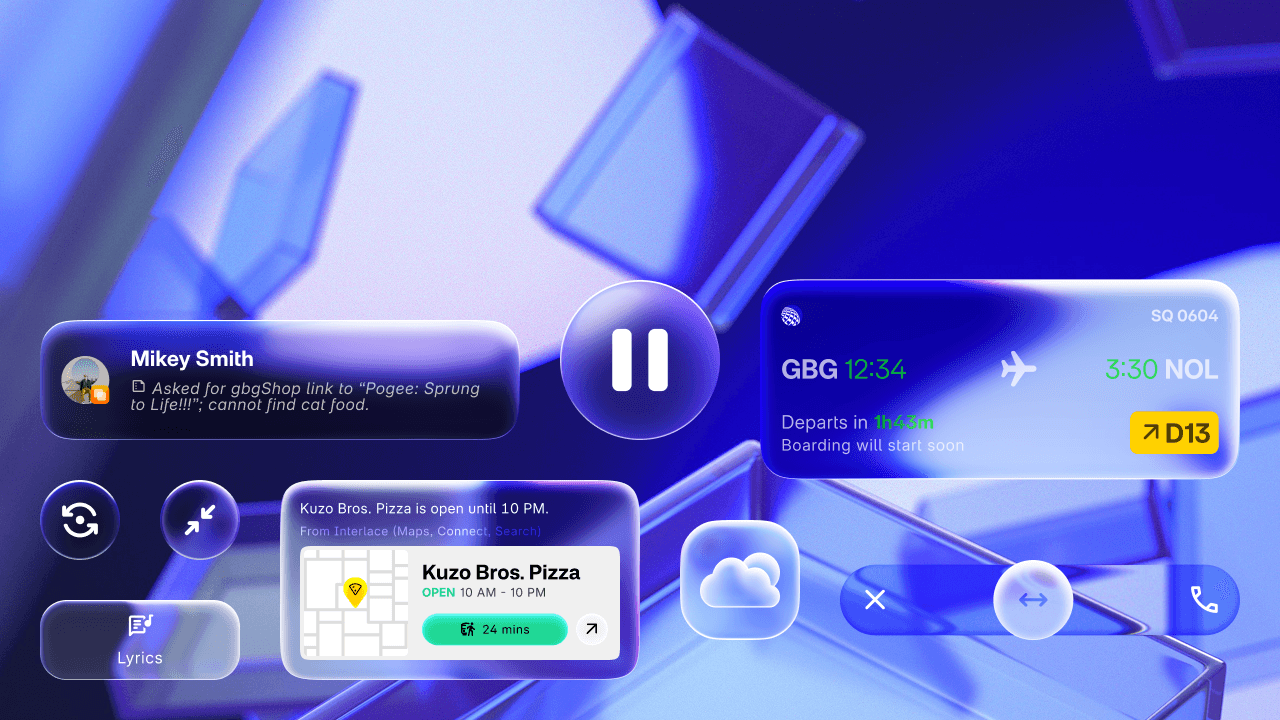
The future never looked this clear.
Glass powers the new Solarium Design in blazeOS SF. It uses realistic effects based on water and glass to create a look unlike anything in the FTU.
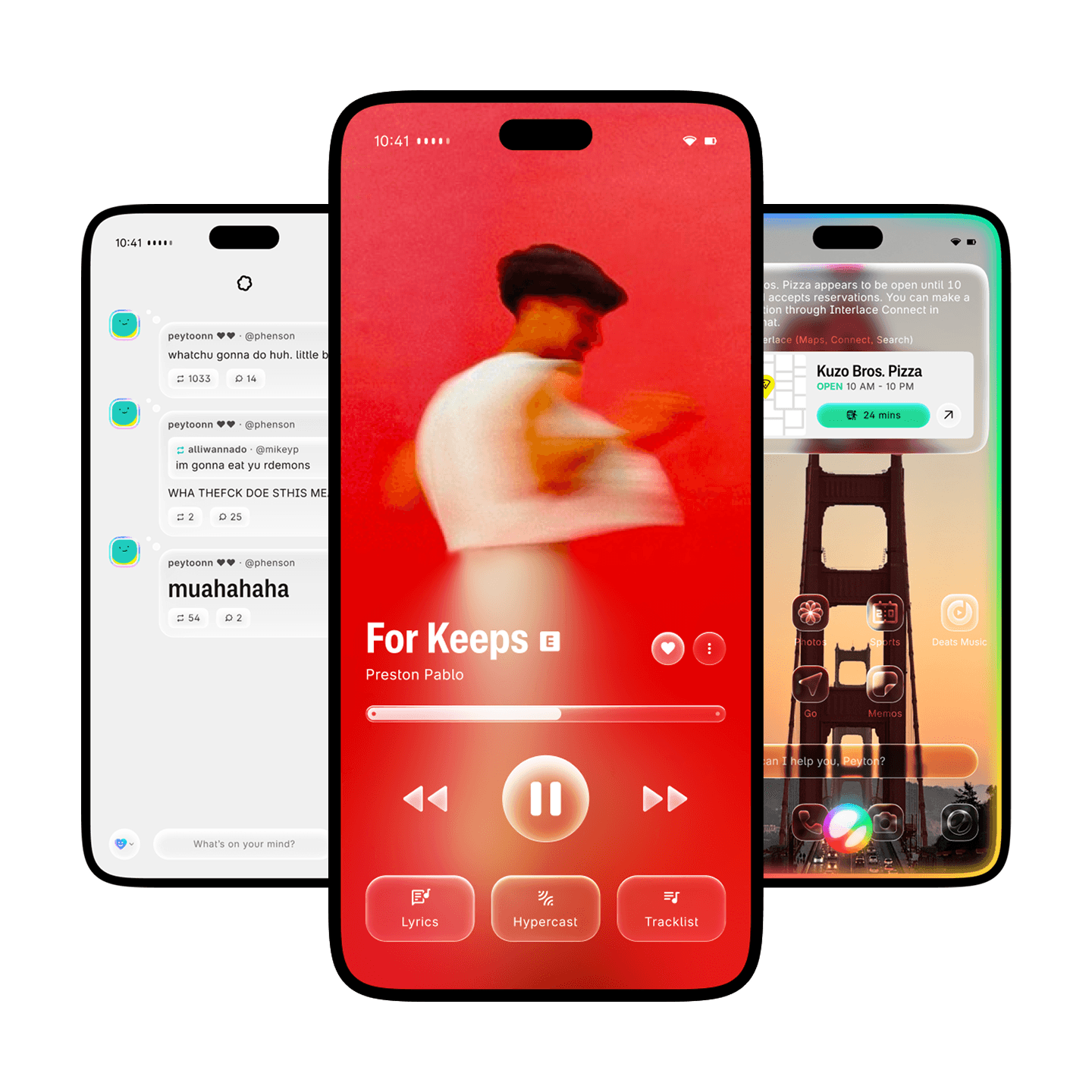
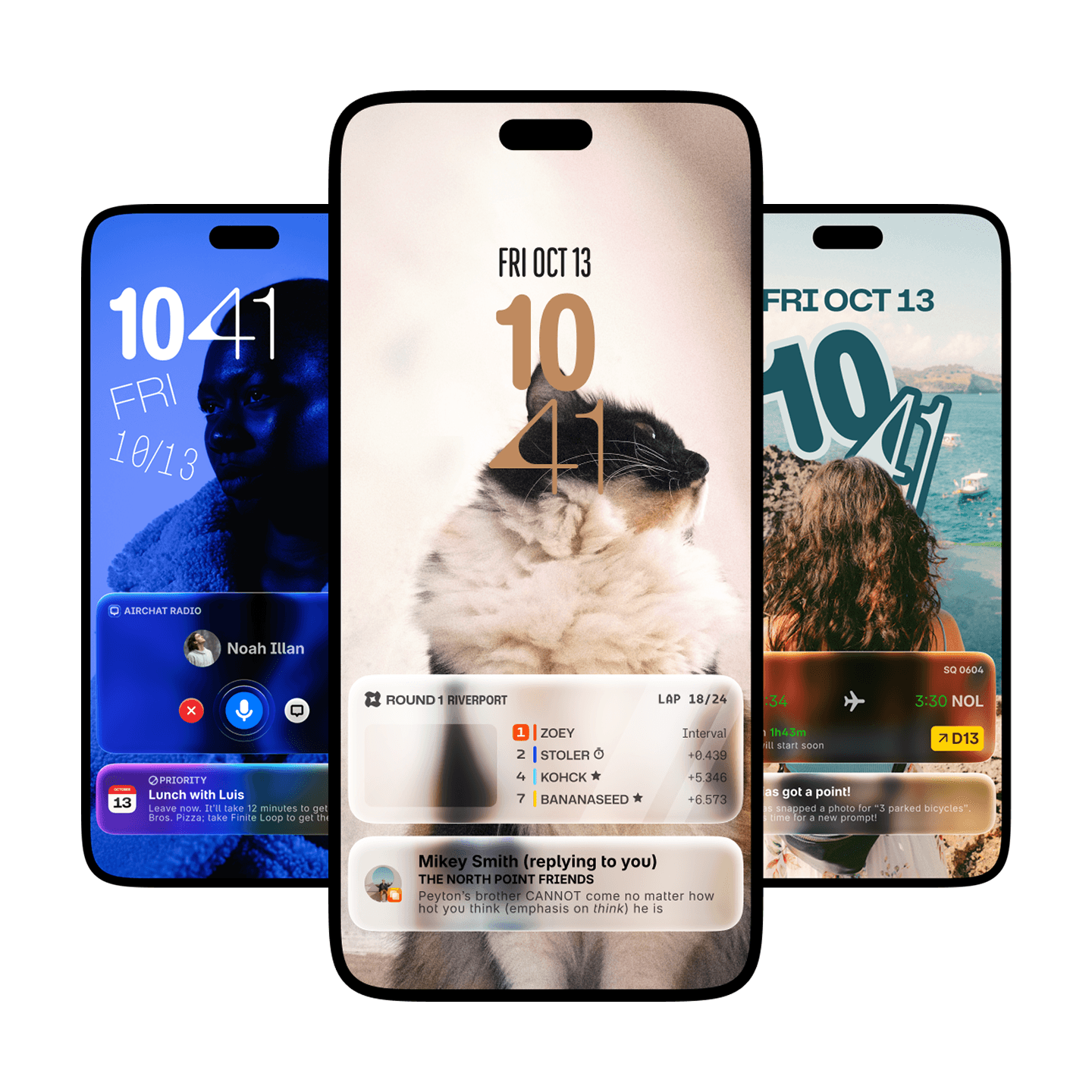
A fun new Lock Screen look.
The Lock Screen features new playful clock options that adapts to your wallpaper.
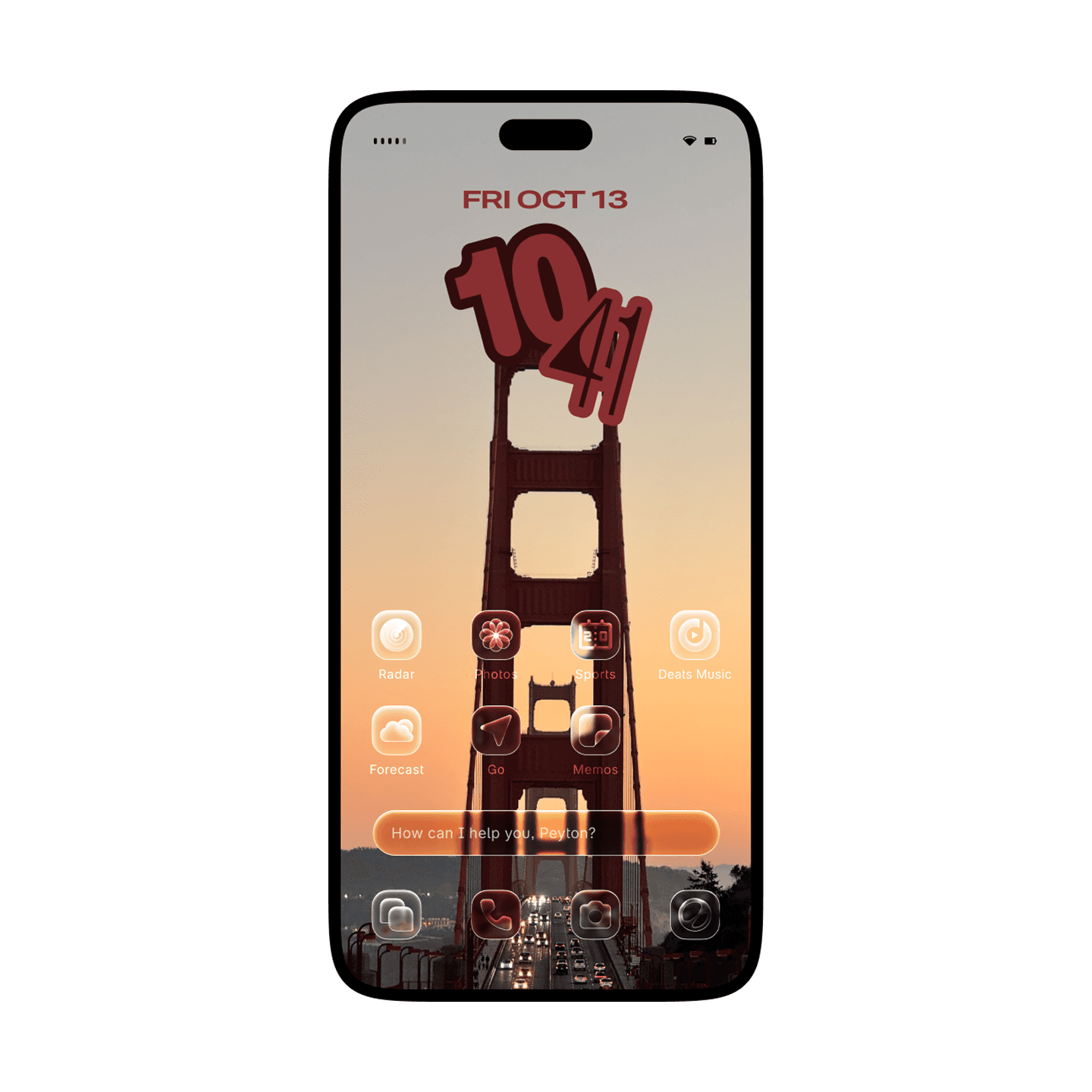
New app icon styles.
On the Home Screen, you can go for a tinted look or go all clear with the new glass app icons.
Hyper Network 2
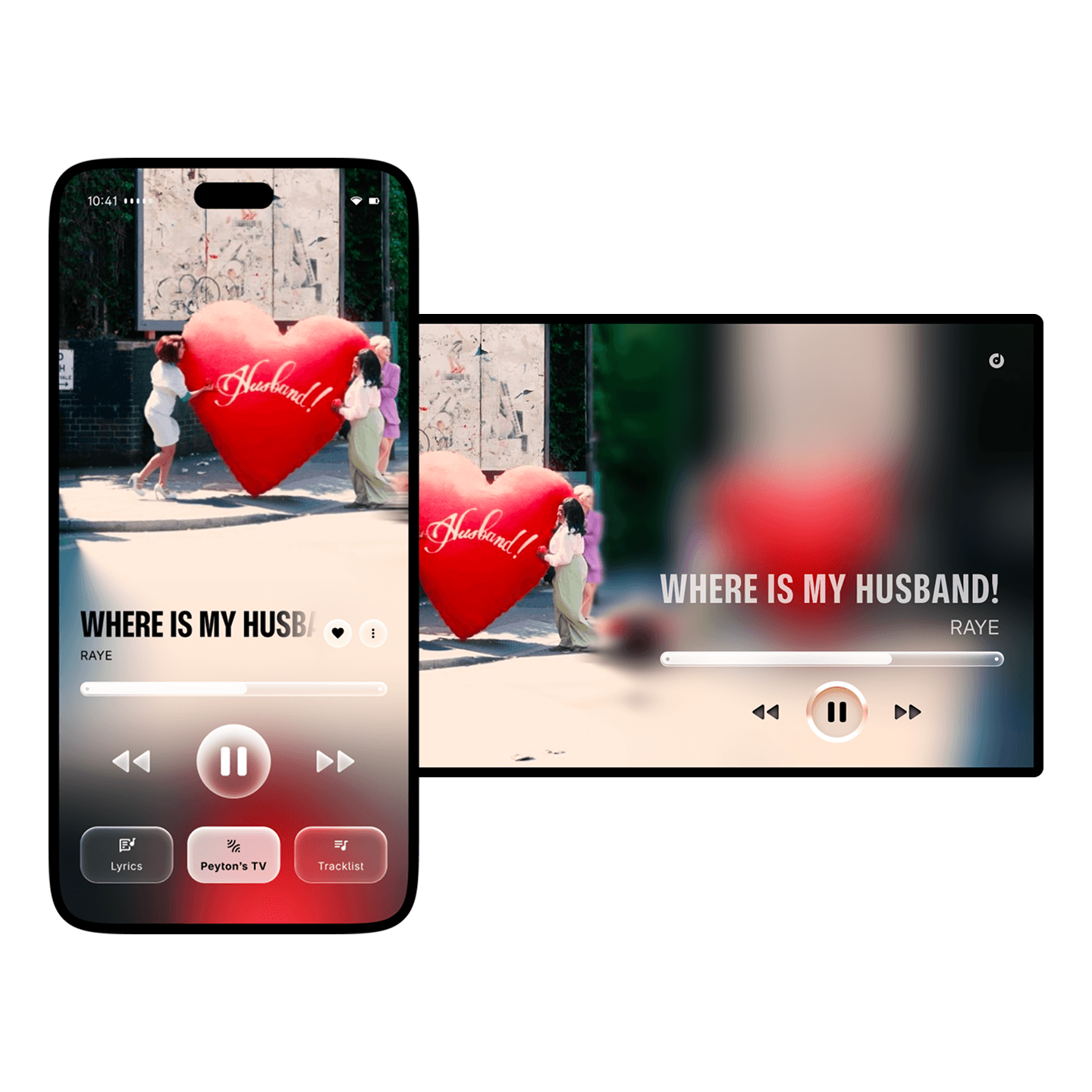
Hypercast. Play it here, watch or hear it there.
Hypercast replaces Hyperbeam, and it's 3x faster than before. Send music, movies, audiobooks, and more to your speakers or TV to enjoy your content in a bigger form.
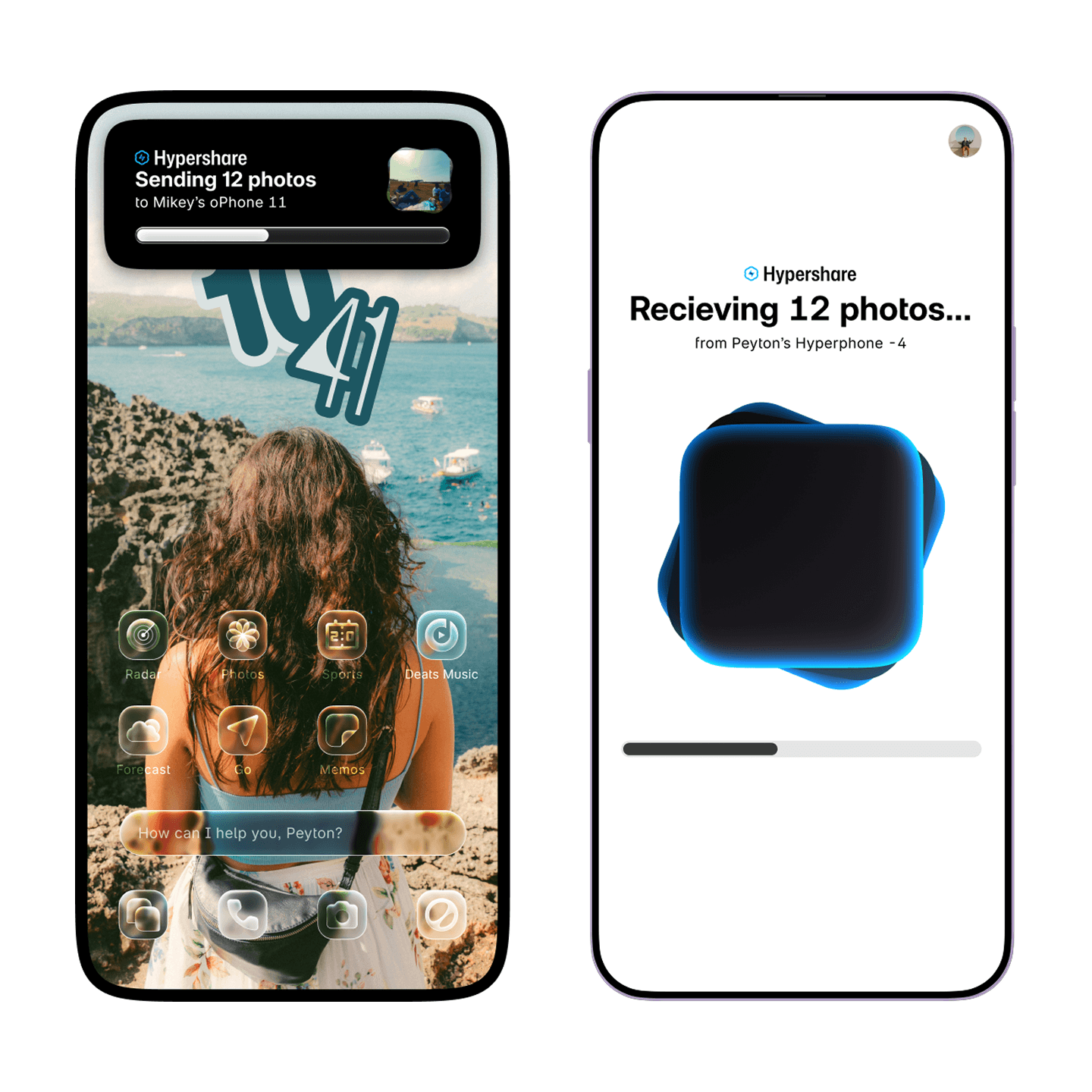
Now sending in triple-time.
Hypershare is now 3x faster than before, and is now more secure with new encryption methods. And when both people are signed into a Blaze Account, Hypershare transfers continue over the internet.
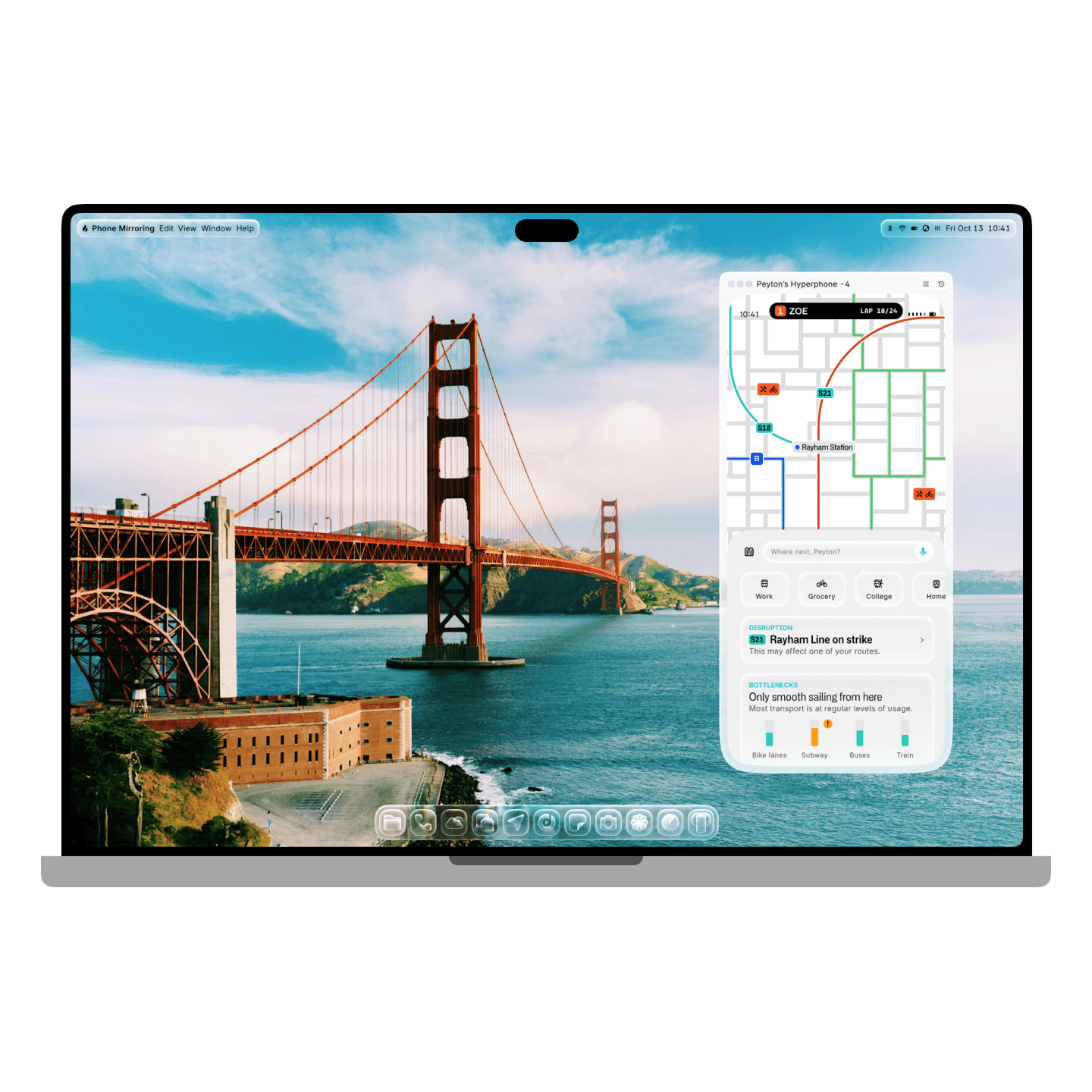
Mirror, mirror, on the computer.
Phone Mirror makes it easy to see and control your phone screen on your computer or tablet. With Hyperphone and Hyperbook or Hypertop, you'll even get notifications and see Live Updates in Dynamic View or the menu bar.
Ray
Ask Ray about anything, anywhere.
You can use Ray to find information easily by holding the power button, sending a message in Hyperchat, or going onto a call via Hypercall Audio.
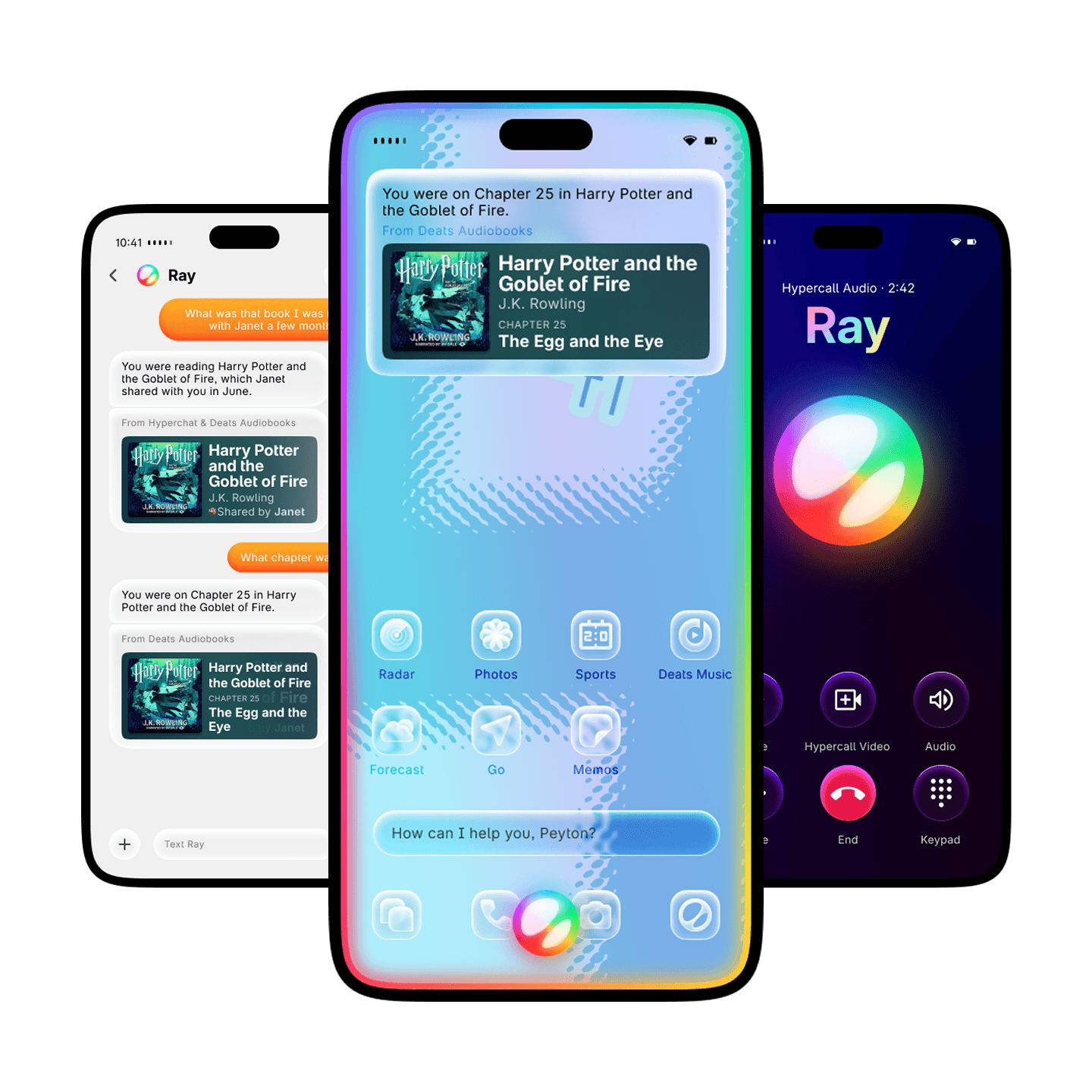
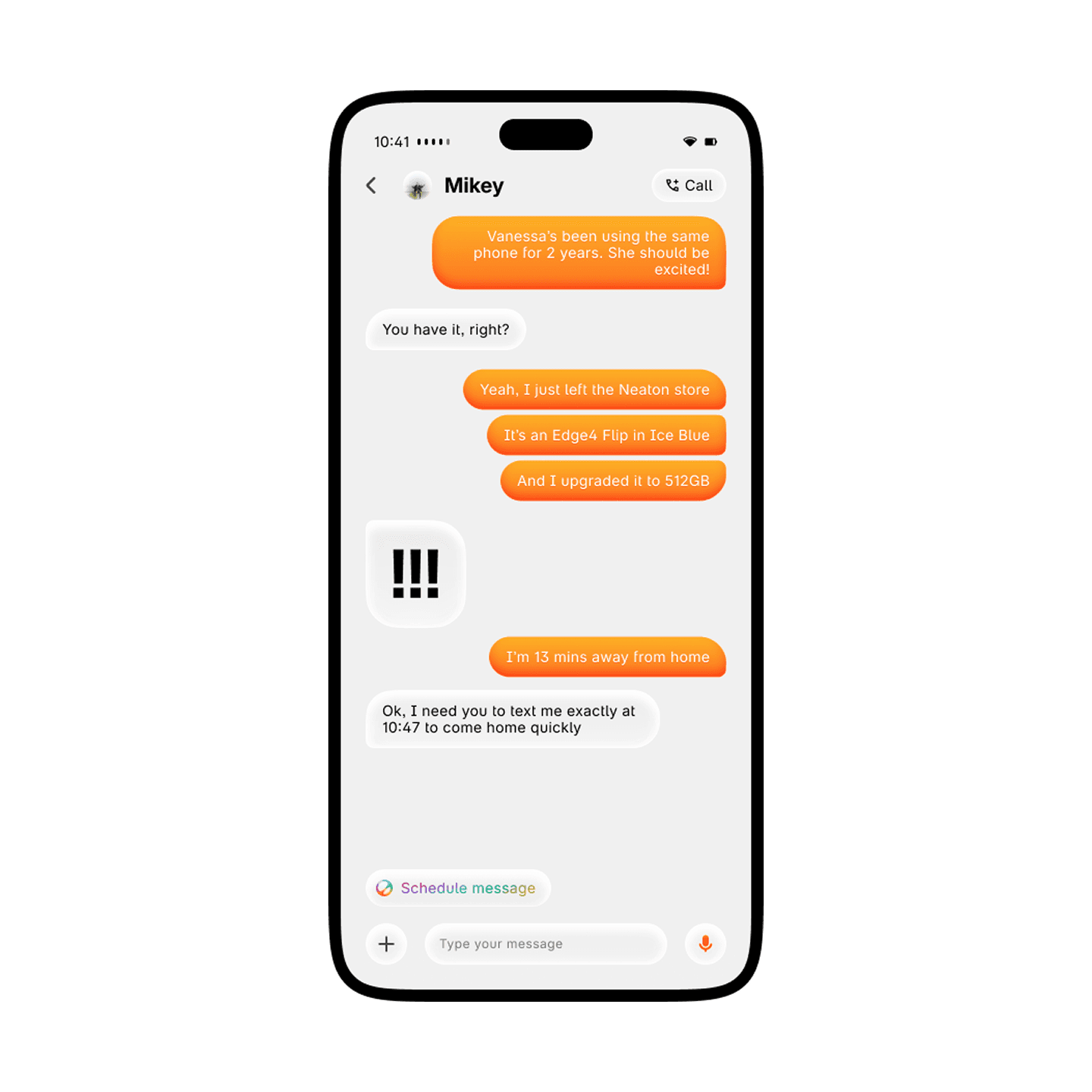
Always ready to speak up or jump in.
Ray is able to analyze how you use your Hyperphone and figure out when it's most convenient to step in, like if you need to remember to call your friend when you leave the gym.
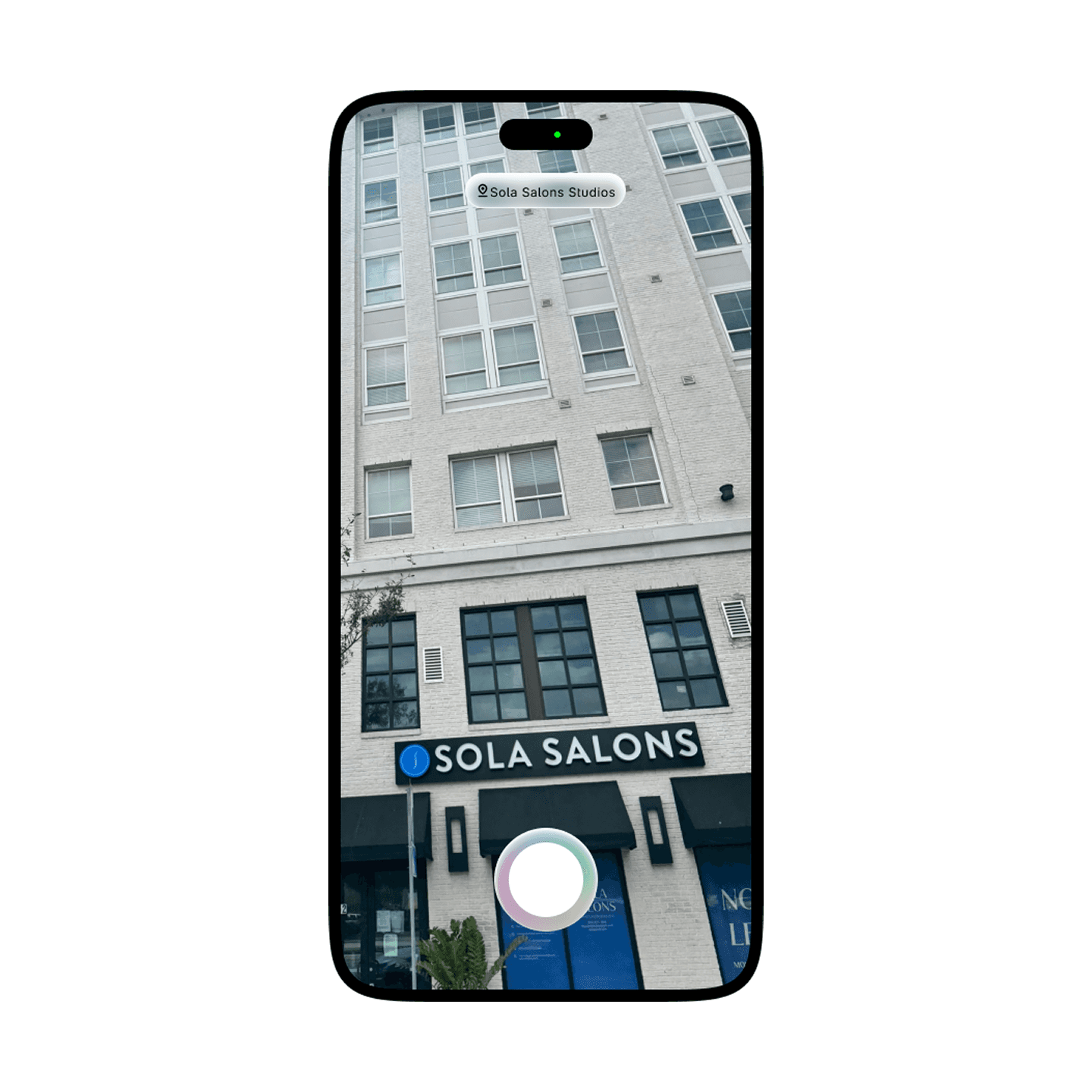
Ray Vision. What you see, you can learn.
Use Ray Vision to learn about objects, places, pets, plants, and more in the world, or ask about content on your screen by taking a screenshot.
Communication
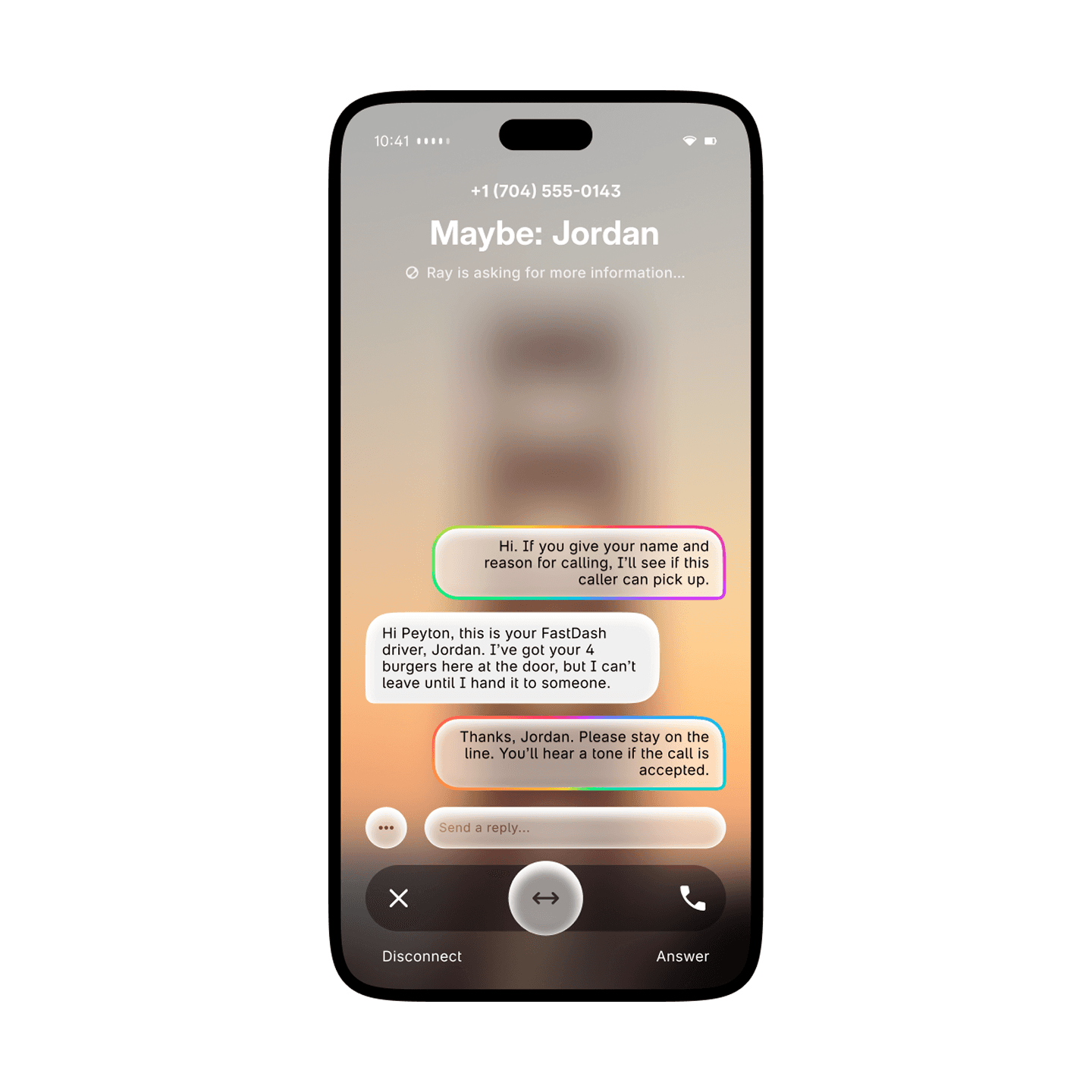
Figure out who's calling before you pick up.
With Call Screening, Ray automatically picks up the phone and asks the caller for their name and reason for calling. You can have Ray reply to them as well, and you can stay behind the screen for as long as you want until you're ready to pick up.
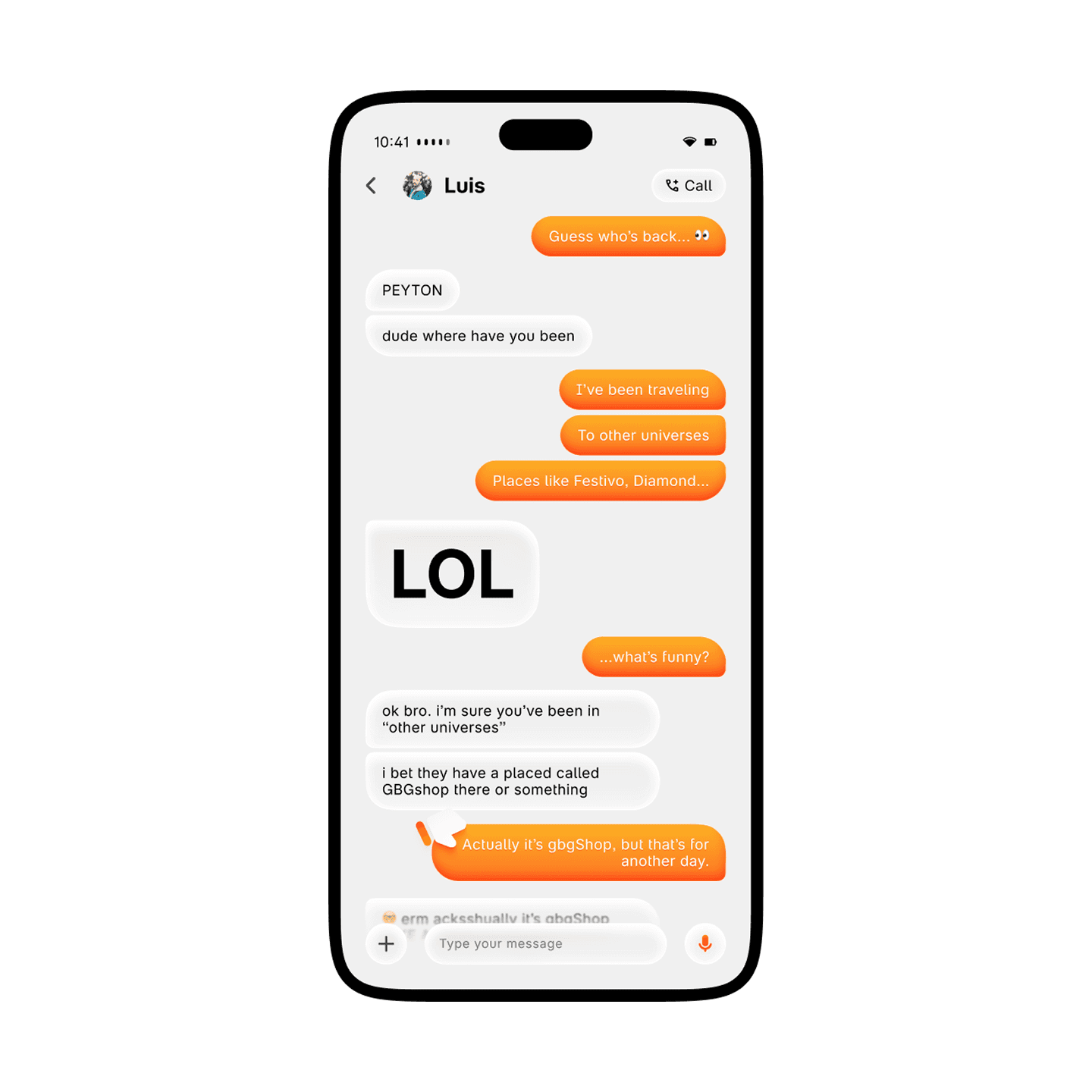
Go big in text.
On Hyper Network 2 enabled devices, you can make messages in Hyperchat even larger to emphasize your point.
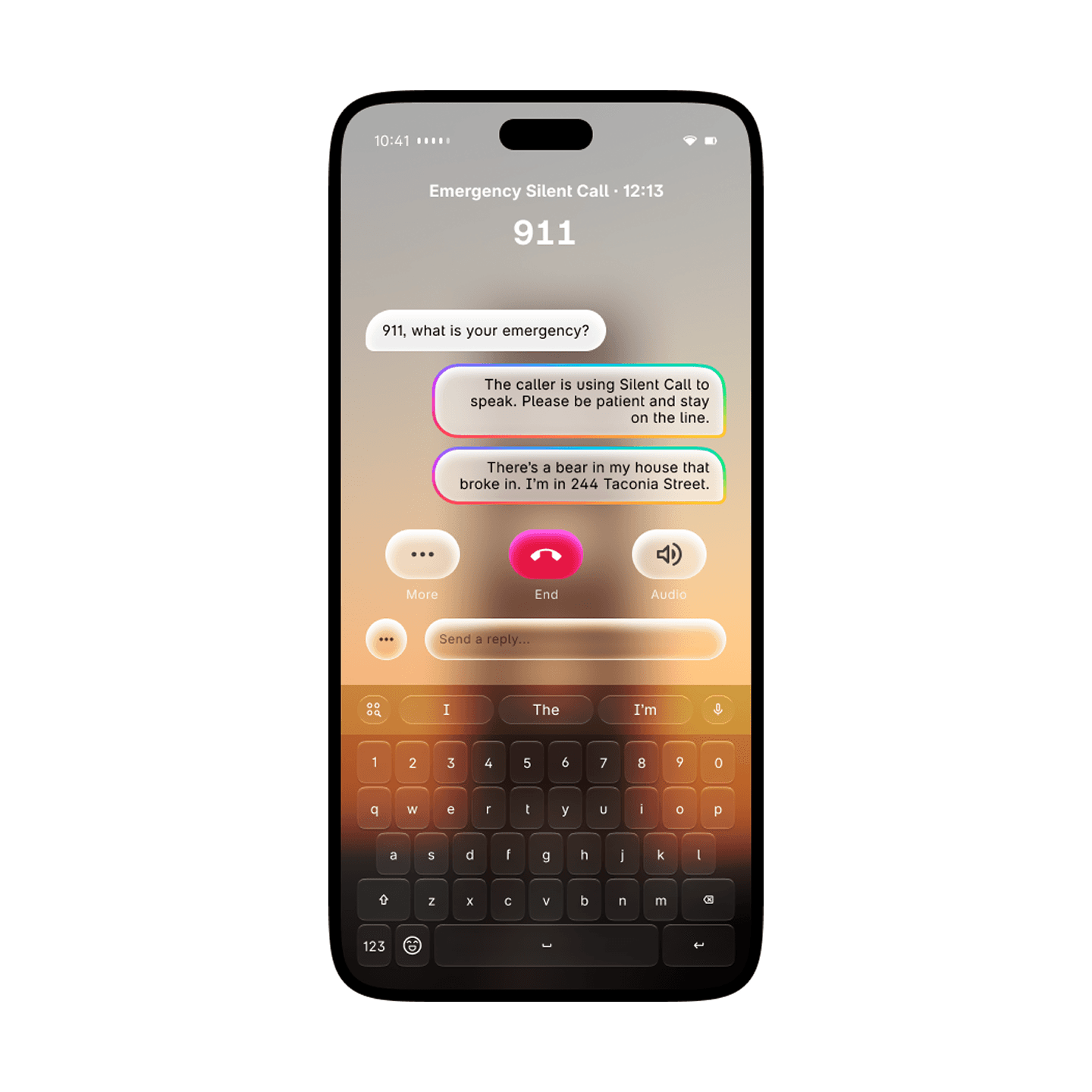
SOS Silent Call. An innovative new way to get help.
Silent Call makes communicating with Emergency Services easier than ever. Staying completely silent, you can type quick responses to Emergency Services. With the power of Ray, your message can be extended into a full sentence, so “bear in house, can’t get out” turn into “There’s a bear in my house and I can’t get out.”
Comms
One app to rule them all.
Seamlessly switch between Hypercall and Hyperchat with tabs, making it easy to choose who you want to talk to and how.
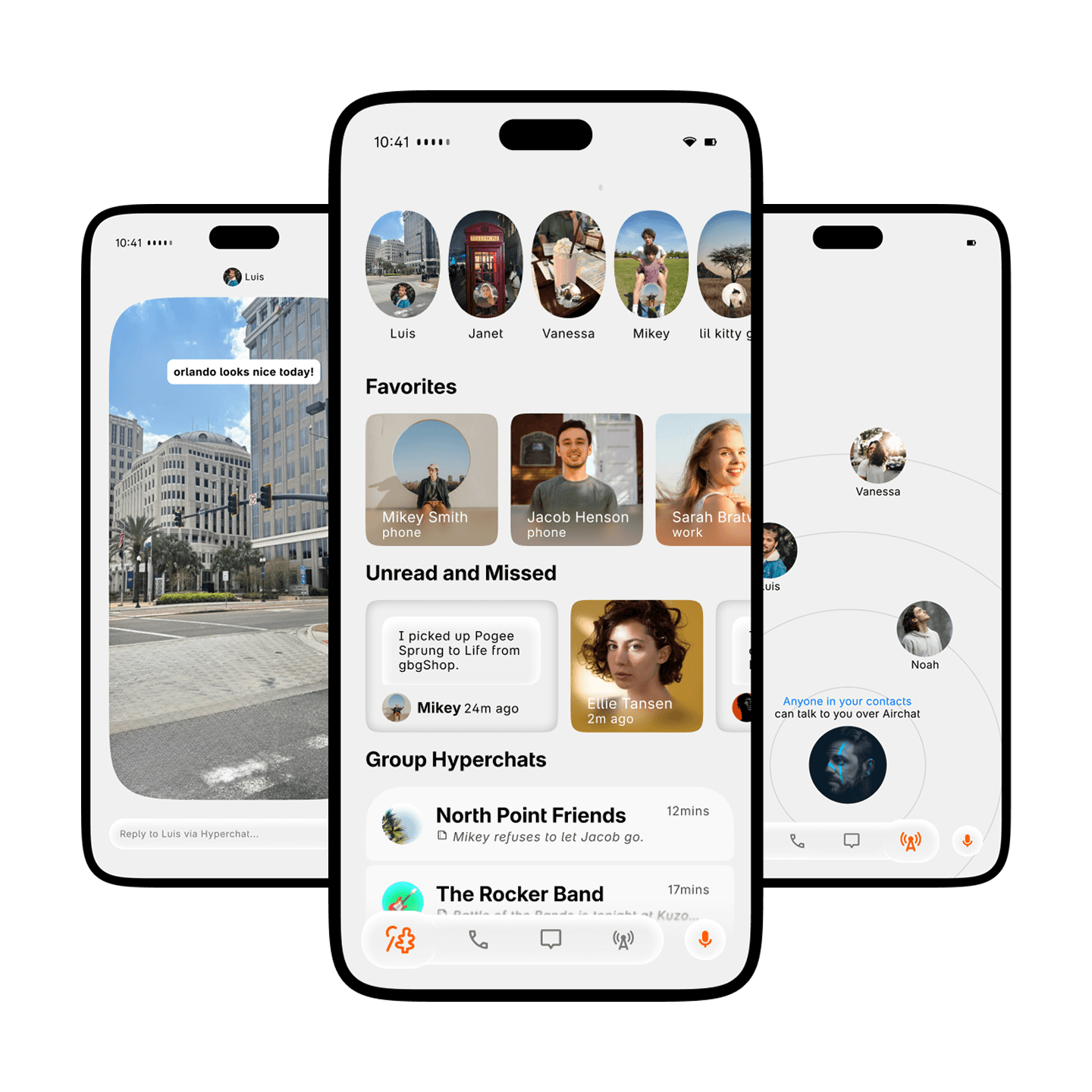
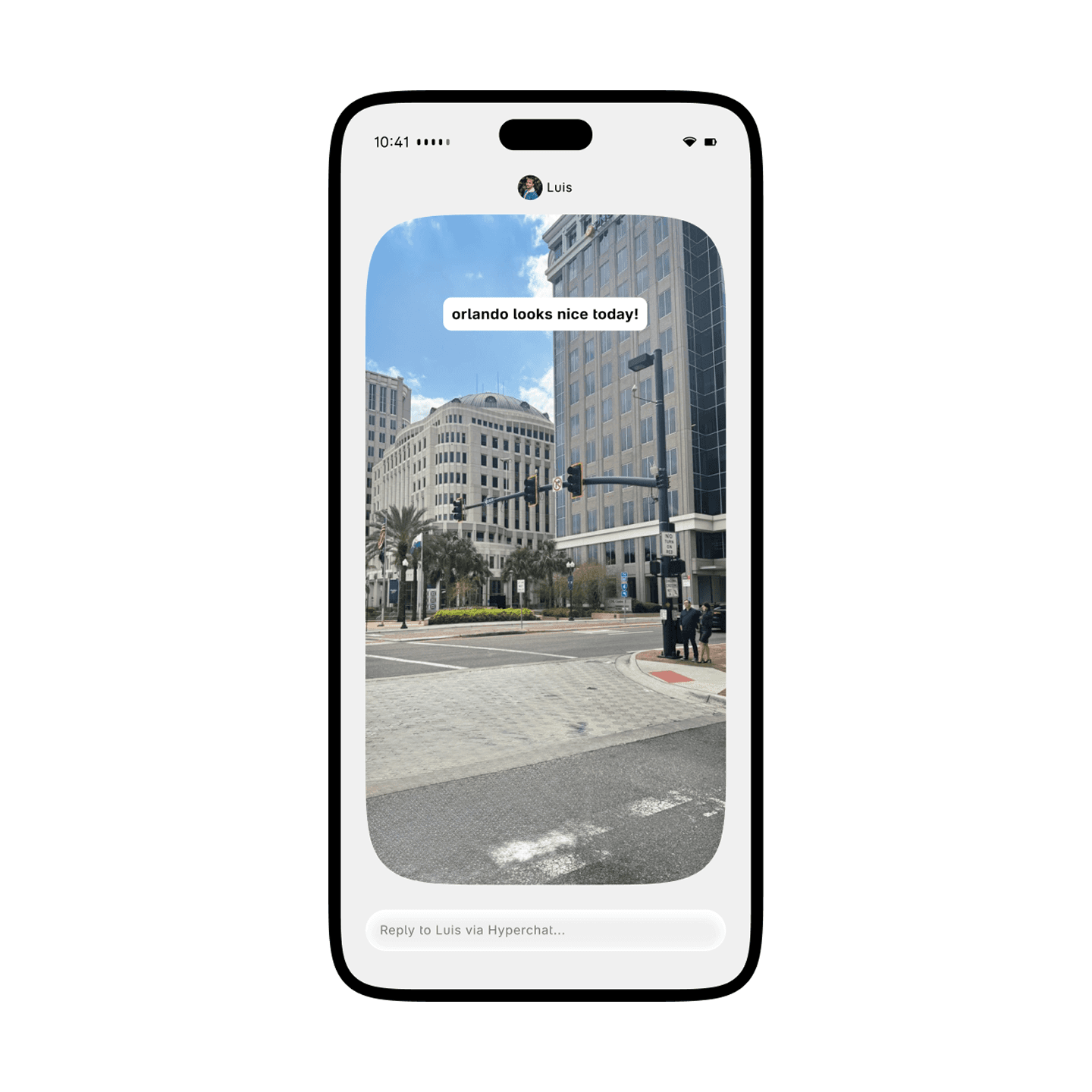
Look at what they're up to with Updates.
Share Updates with your friends to show them what you're up to. Include a caption, music, location, and more.
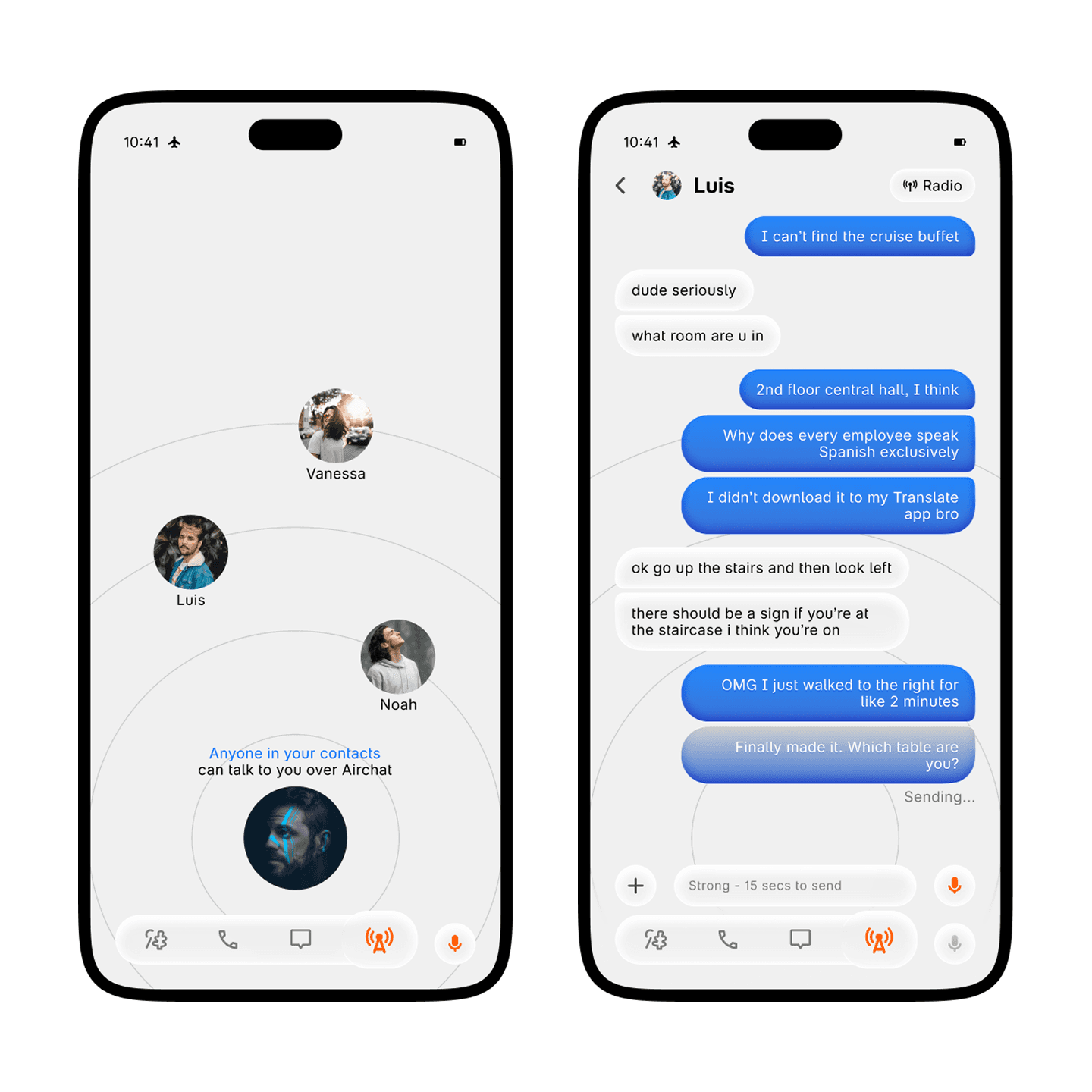
Airchat and Radio. Do you copy?
Airchat and Radio are two entirely new ways of communication, even when you don't have internet. Using Hyper Network 2's extended range, send messages in Airchat in seconds. And when things need to be more live, turn on Radio for a walkie-talkie like experience.
Interlace
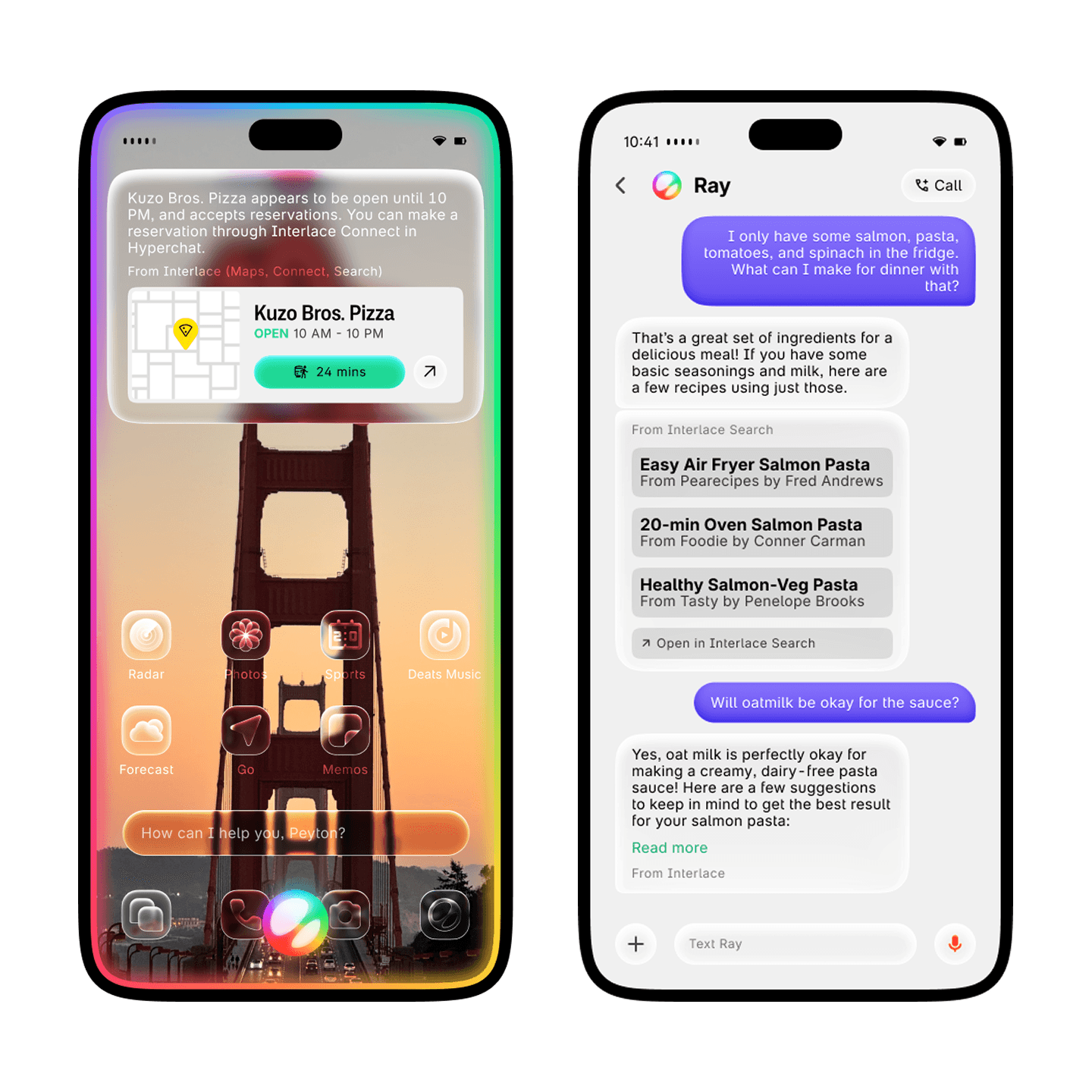
Ray can search the world for you.
With the power of Interlace, Ray can find just about anything for you. Search up a new recipe, find the latest story, or figure out when that one sushi place closes. If it’s on the internet, Interlace and Ray can find it for you.
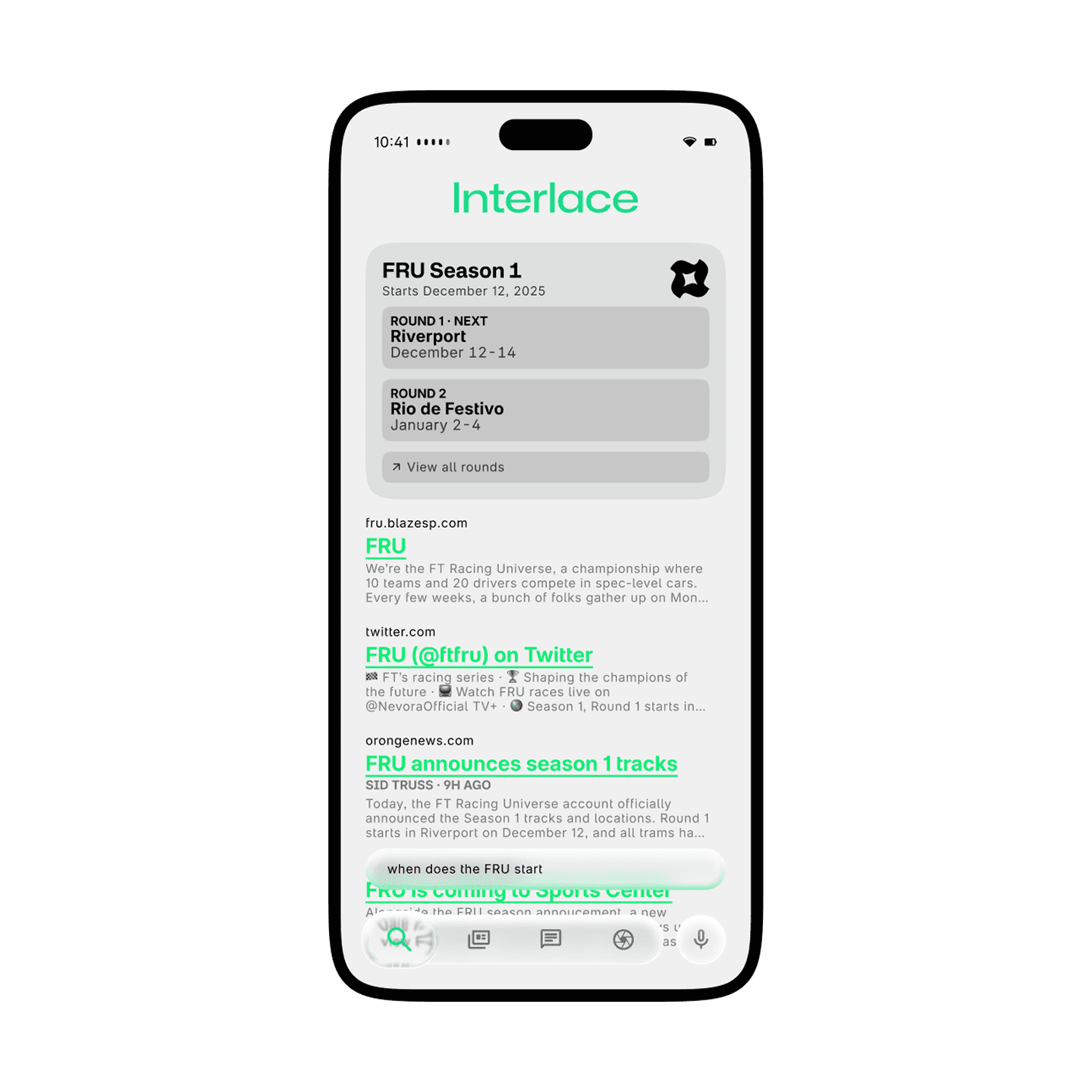
Introducing a new Interlace Search app.
Interlace Search gets a total redesign, now featuring Straight Up answers. Search for the latest sports news, races, or for life's most interesting questions.
Get caught up in the world.
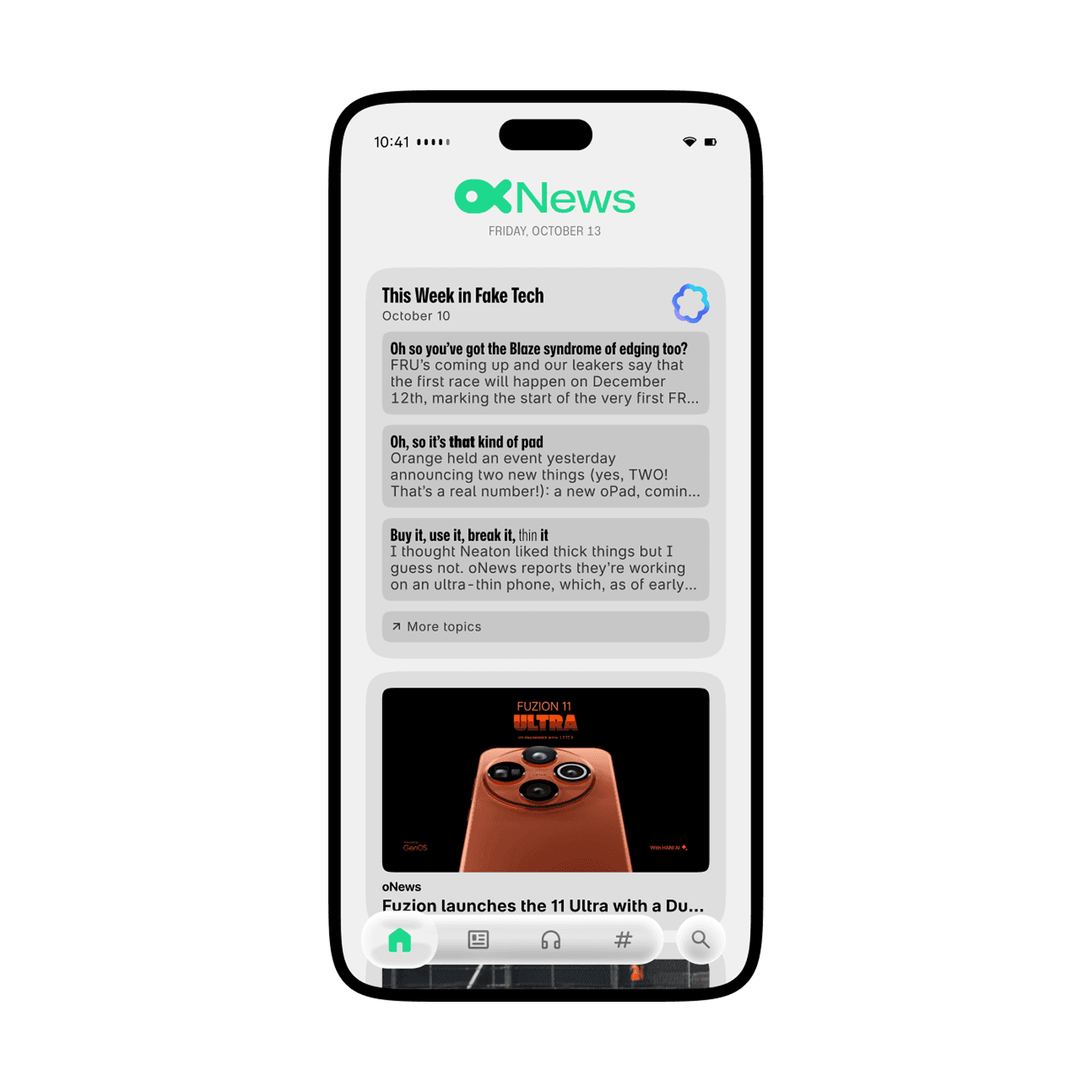
Interlace Newsstand now features This Week in Fake Tech when you subscribe to multiple technology news sources or the technology topic. Get easy news on what's new, readable in less in 3 minutes.
Deats
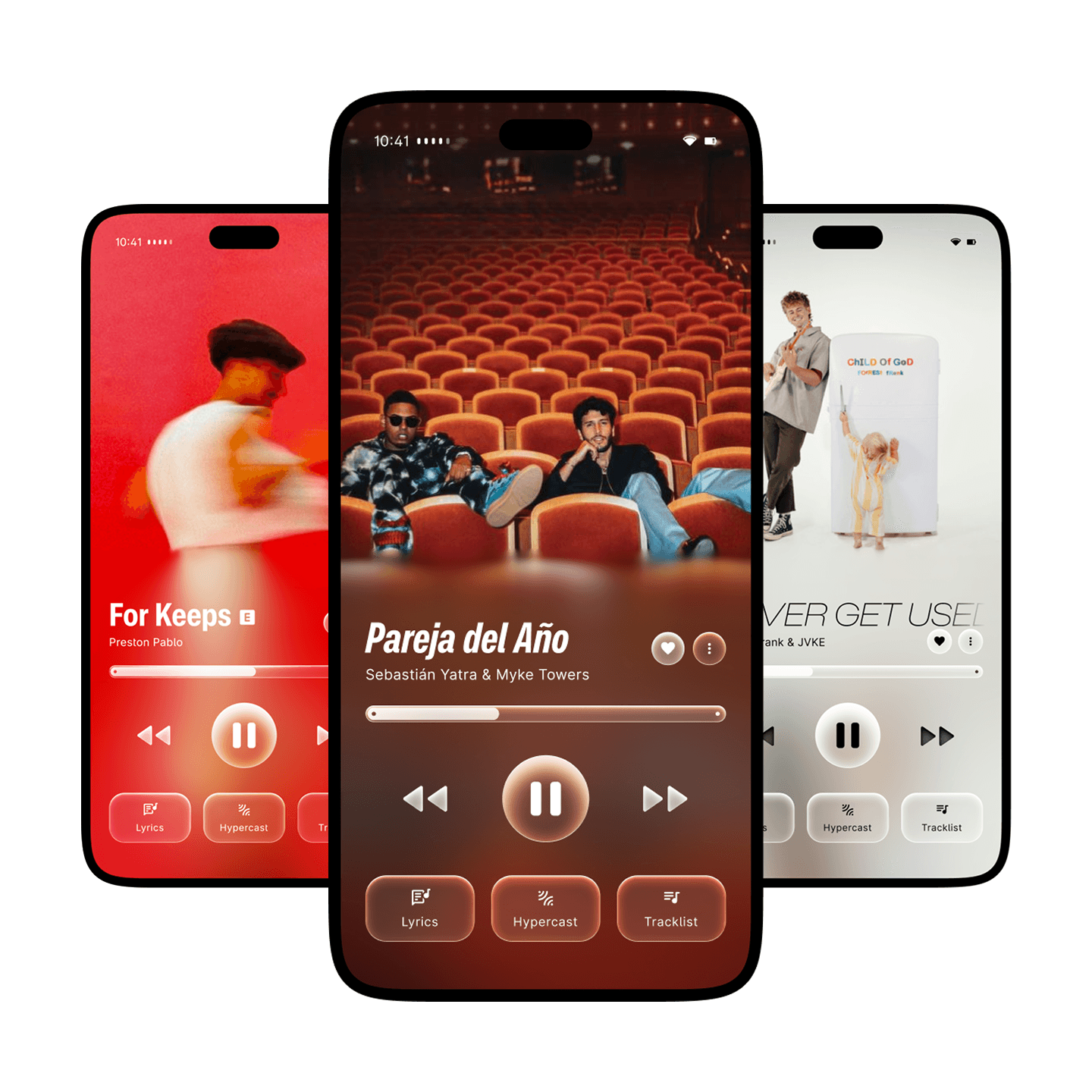
A brand new look for Now Playing.
Full-screen artwork get even more advanced with a brand new technique used by a familiar real-world fruit company. And in Deats Music, artists can change the font of the title and lyrics to better match their album or single.
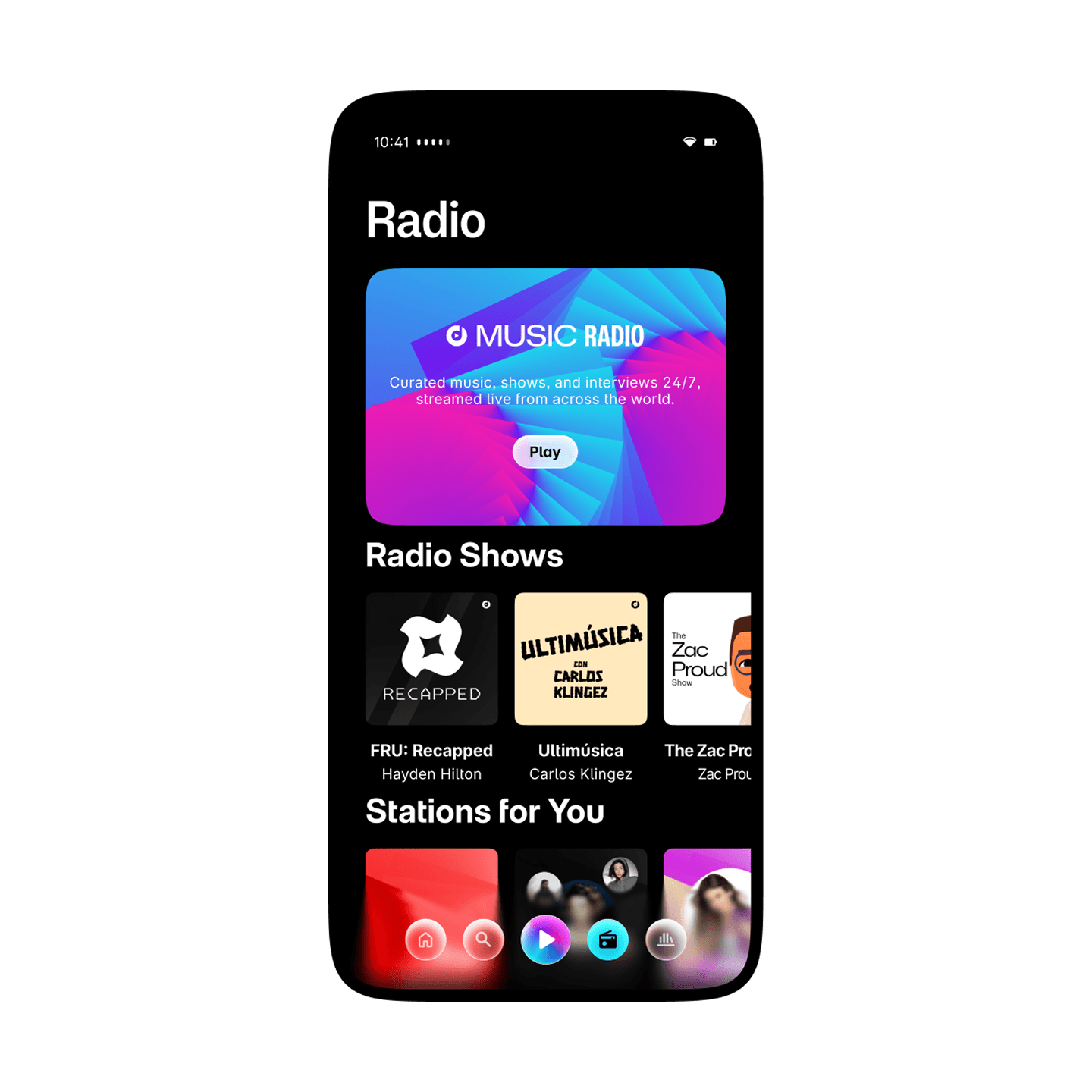
Tune in to Deats Radio.
In Deats Music, turn on Deats Radio to listen to curated music 24/7. You can also listen to artist-specific radios or your Personal Station by pressing the Play button.
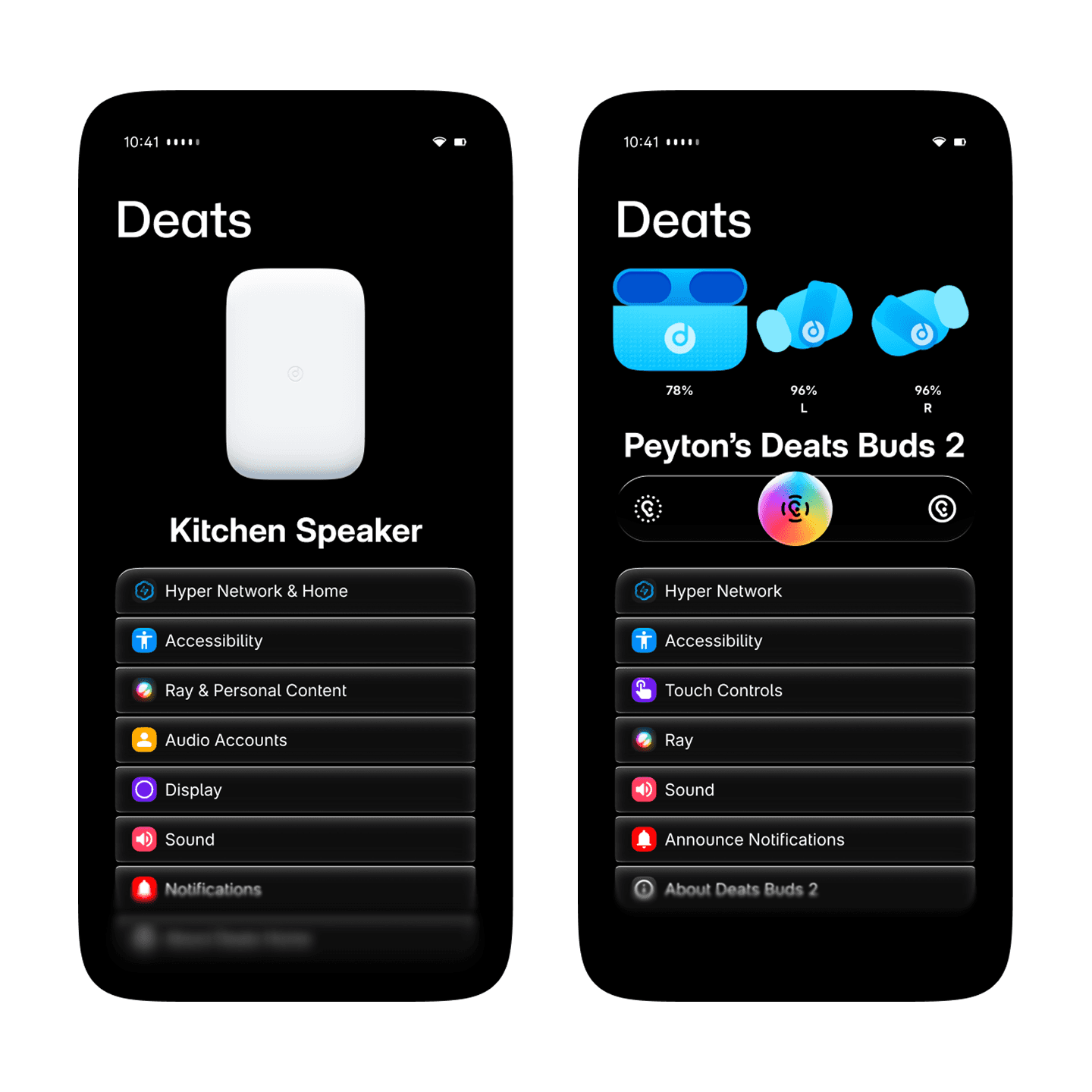
Introducing the new Deats app.
The Deats app makes it easy to manage your Deats devices and settings. On Hyper Network 2 enabled devices, the Deats app can be used to start an AudioShare session, allowing multiple people to listen to something at the same time in their own pair of Deats.