" height="30.000000106811523px" id="c3TWZCEa9" width="174.00009362792977px"/></svg>)
All powerful. All glass. All new.
desktopOS SF completely changes everything about the desktop. With an all-new glass look, new features to help you stay productive, and Hyper Network 2, desktopOS SF brings new life into your Hyperbook and Hypertop.
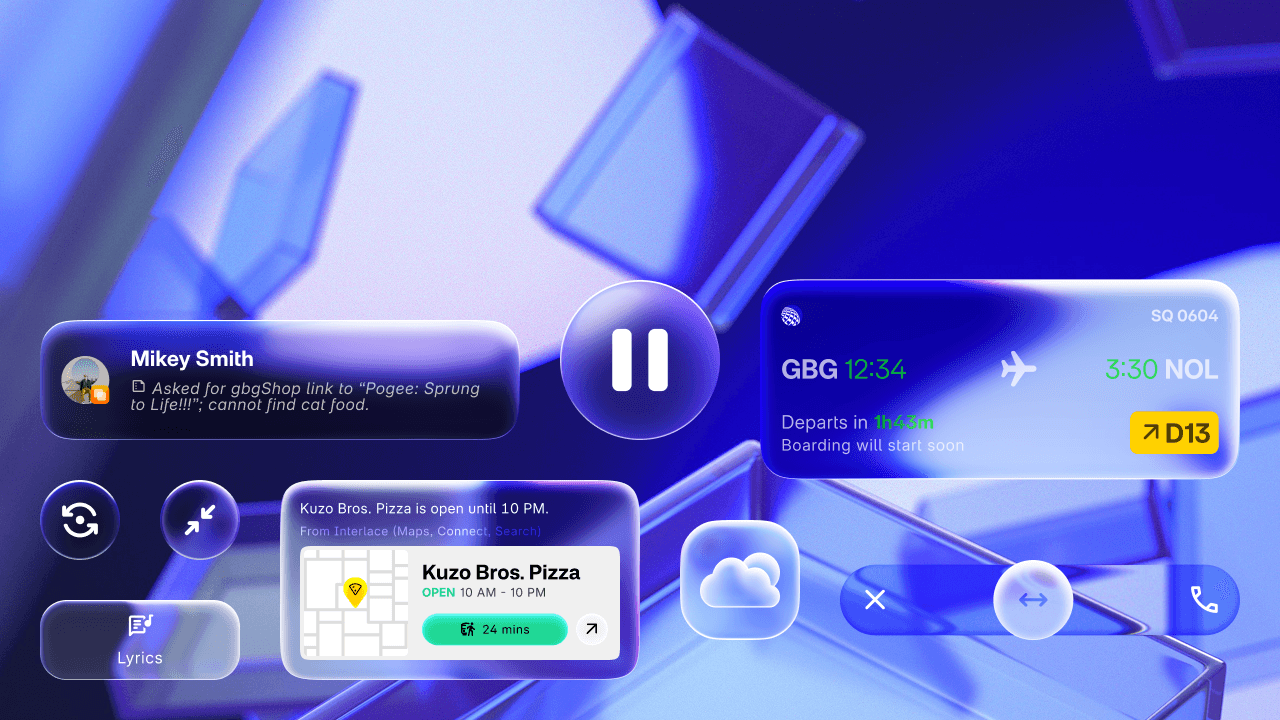
The future never looked this clear.
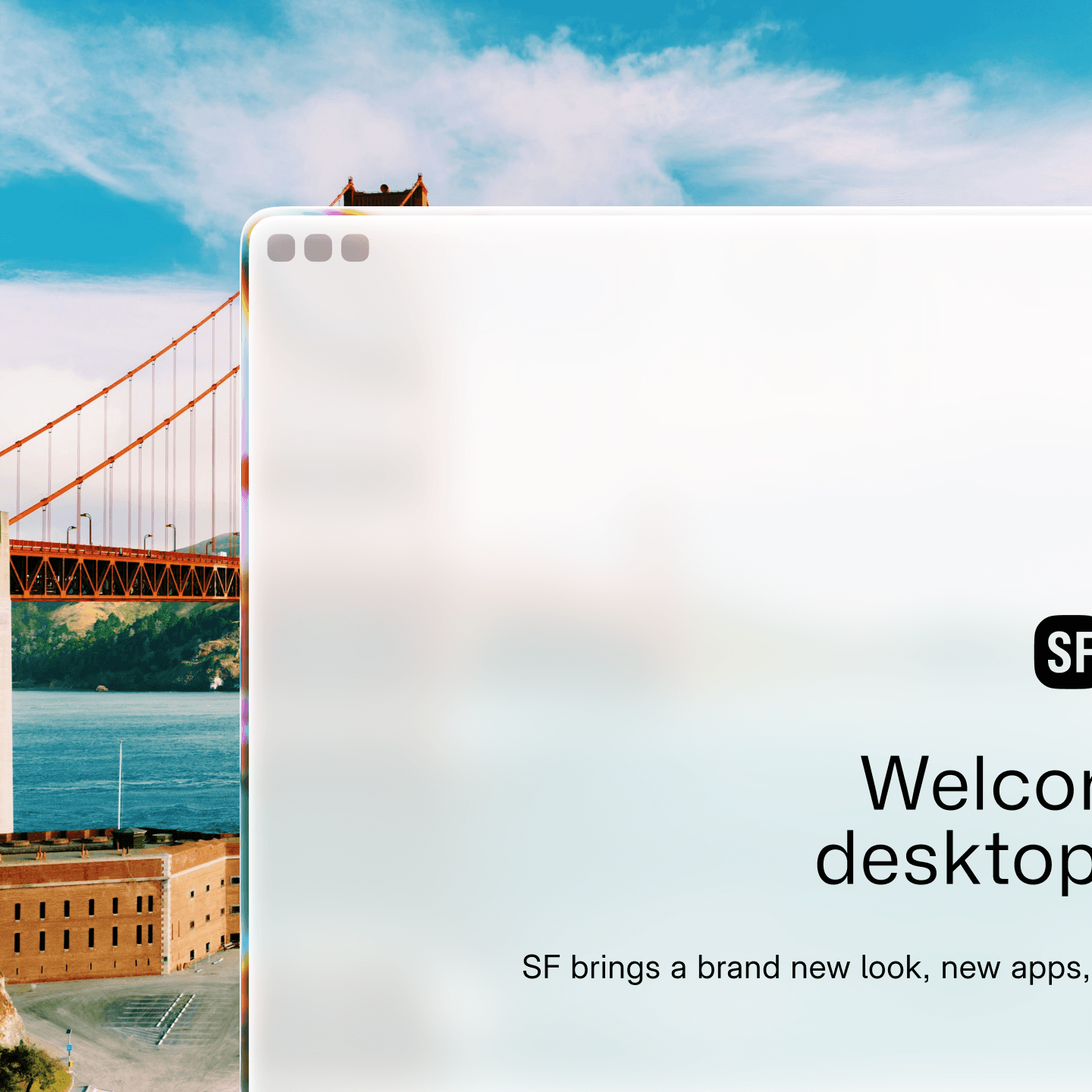
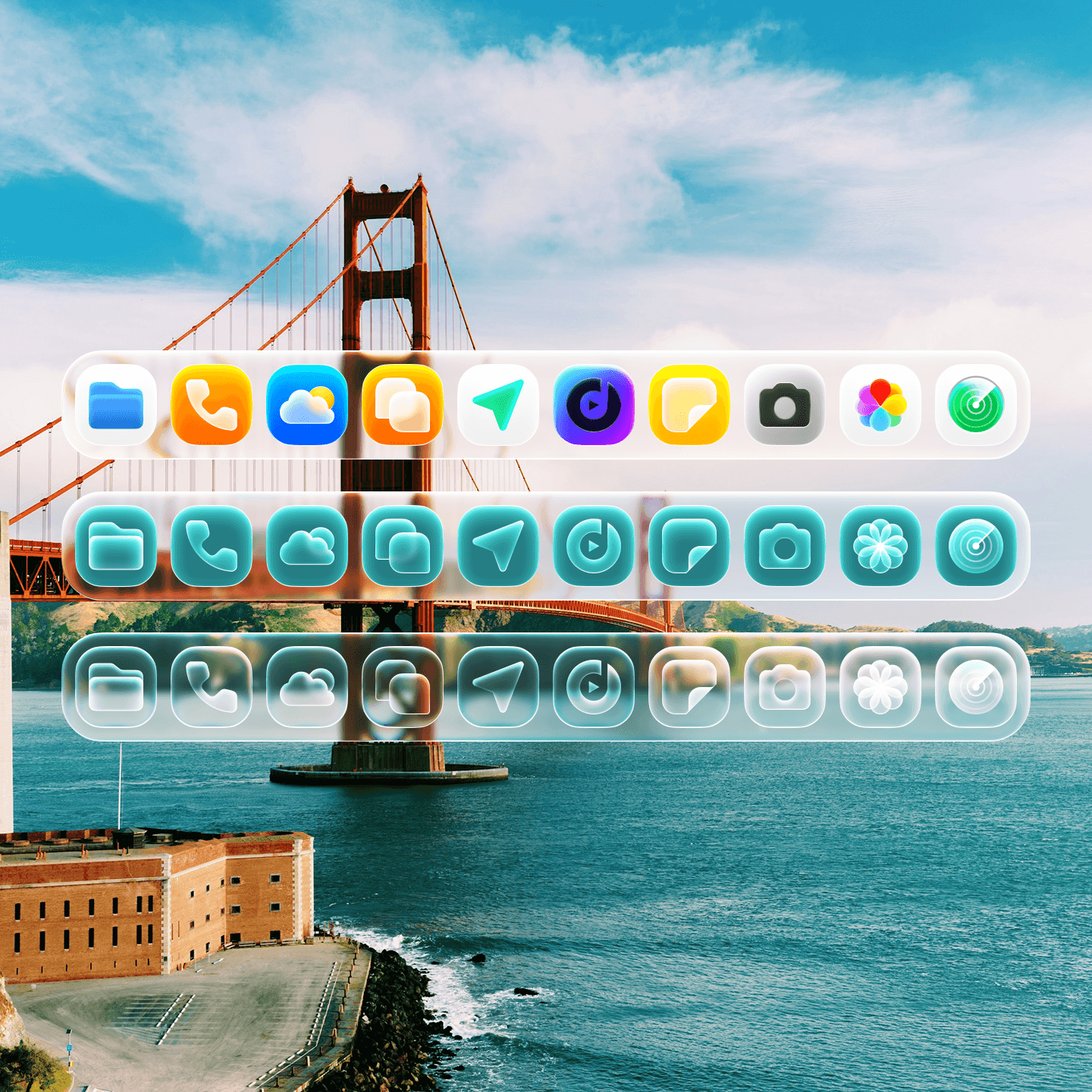
Glass powers the new Solarium Design in desktopOS SF. It uses realistic effects based on water and glass to create a look unlike anything in the FTU.
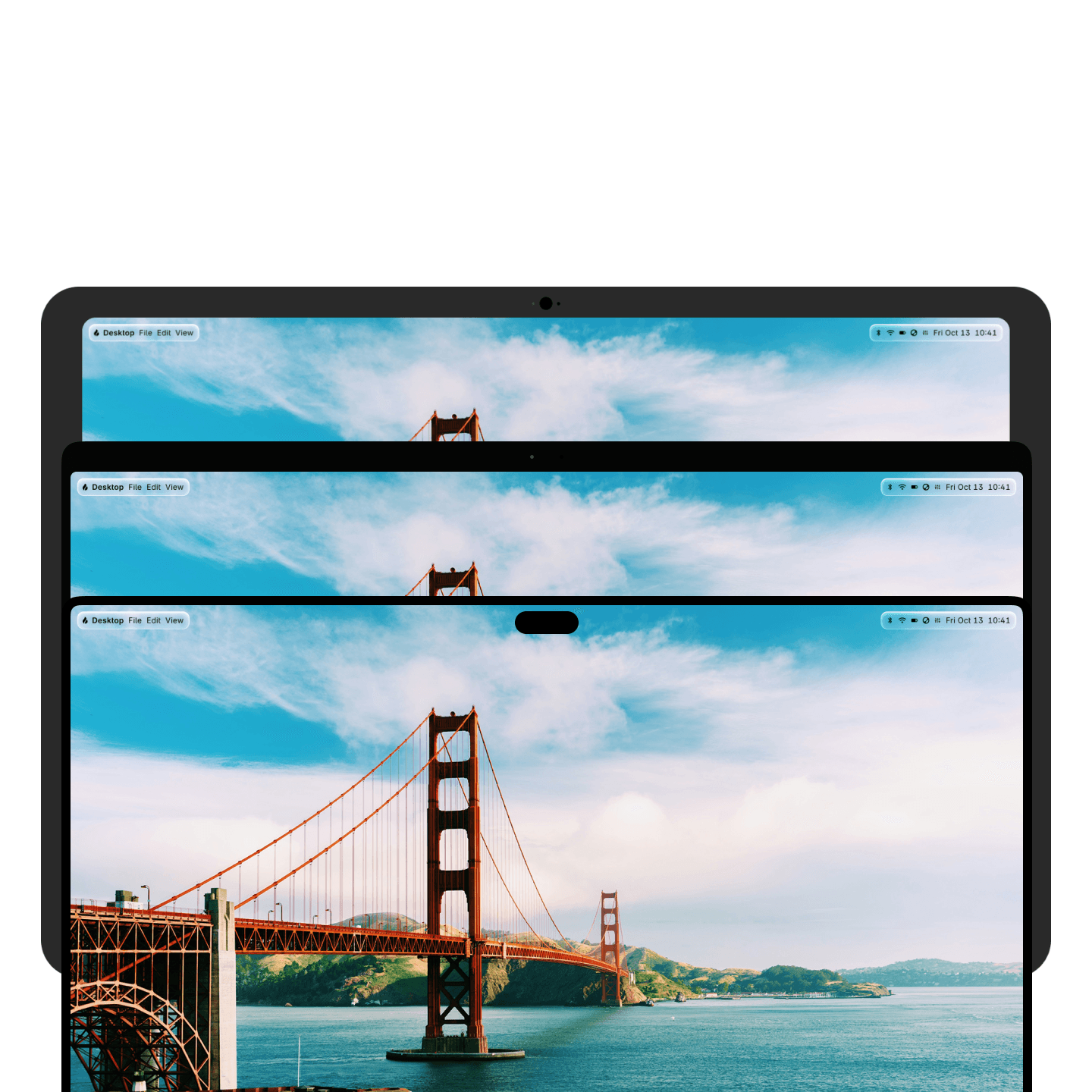
Dynamic Menu Bar. Whatever fits.
Previously exclusive to Hyperbook Pro, the Menu Bar goes dynamic. Now it's split into two pieces, and will only occupy as much space as necessary in its new glass container.
New app icon styles.
On the desktop, you can go for a tinted look or go all clear with the new glass app icons.
Hyper Network 2
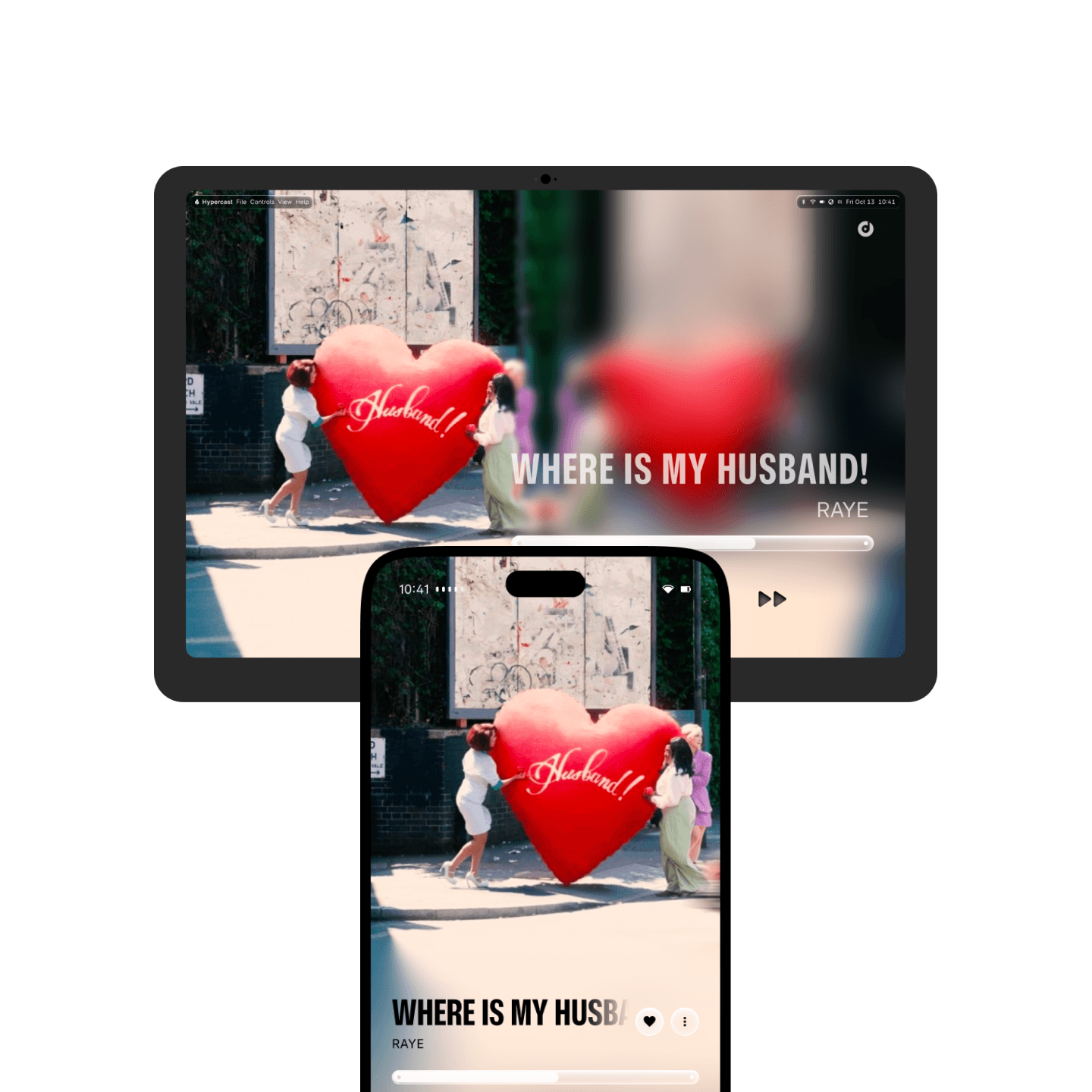
Hypercast to computer. Play it there, watch or hear it here.
Hypercast replaces Hyperbeam, and it's 3x faster than before. Send music, movies, and more to your speakers or TV to enjoy it in a bigger form. And for the first time, Hyperbook and Hypertop can become Hypercast options, so everyone can gather 'round the big screen to watch the latest show.
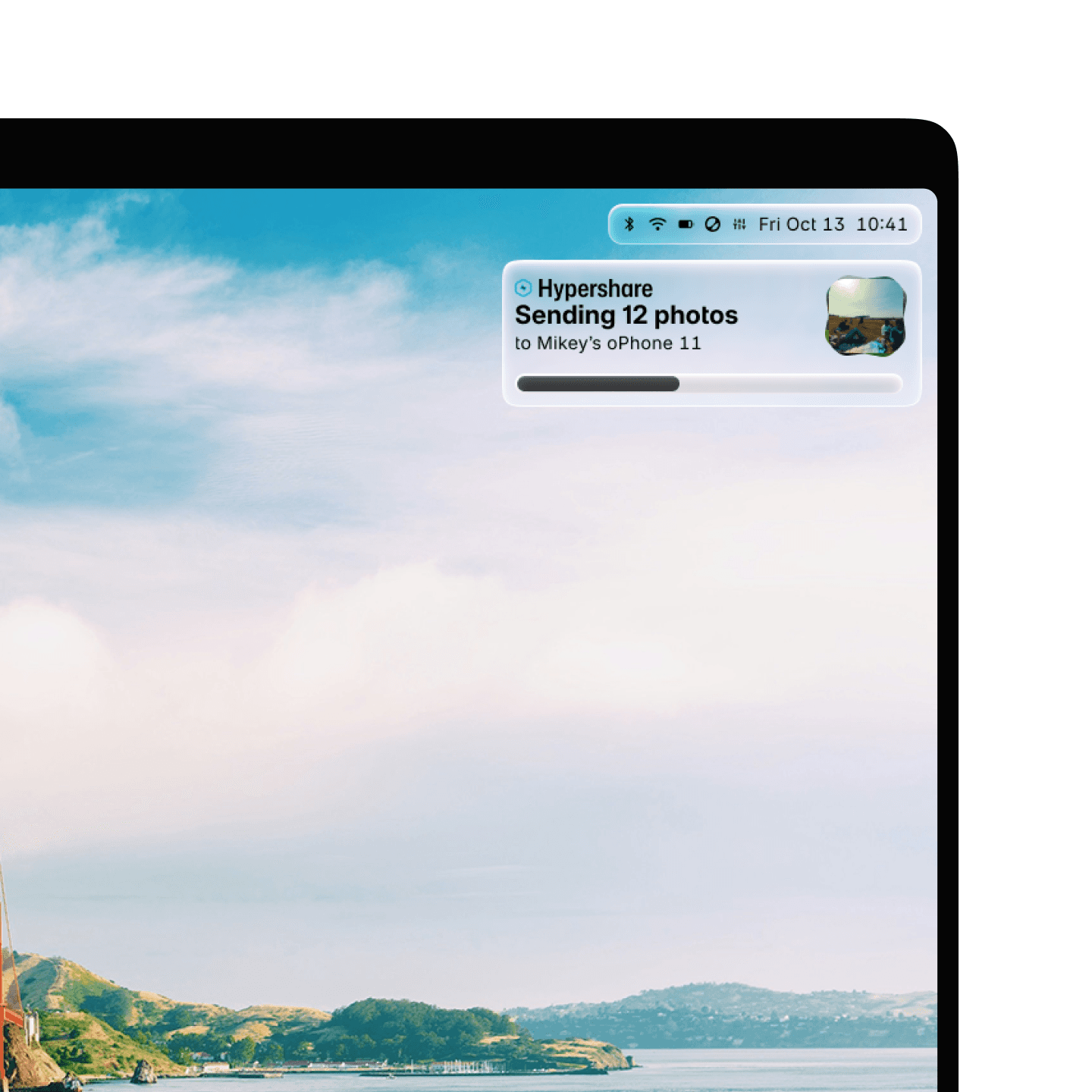
Now sending in triple-time.
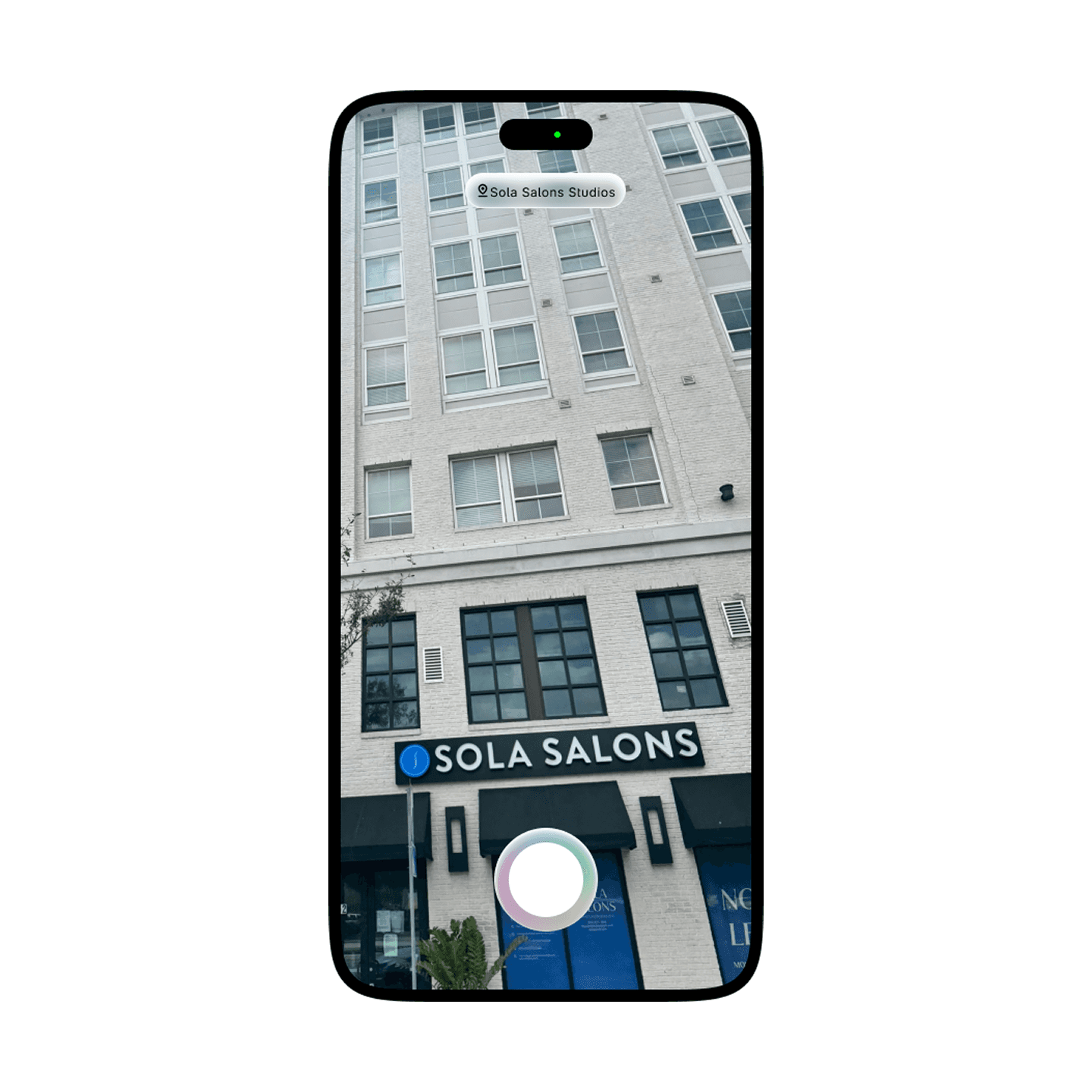
Hypershare is now 3x faster than before, and is now more secure with new encryption methods. And when both people are signed into a Blaze Account, Hypershare transfers continue over the internet.
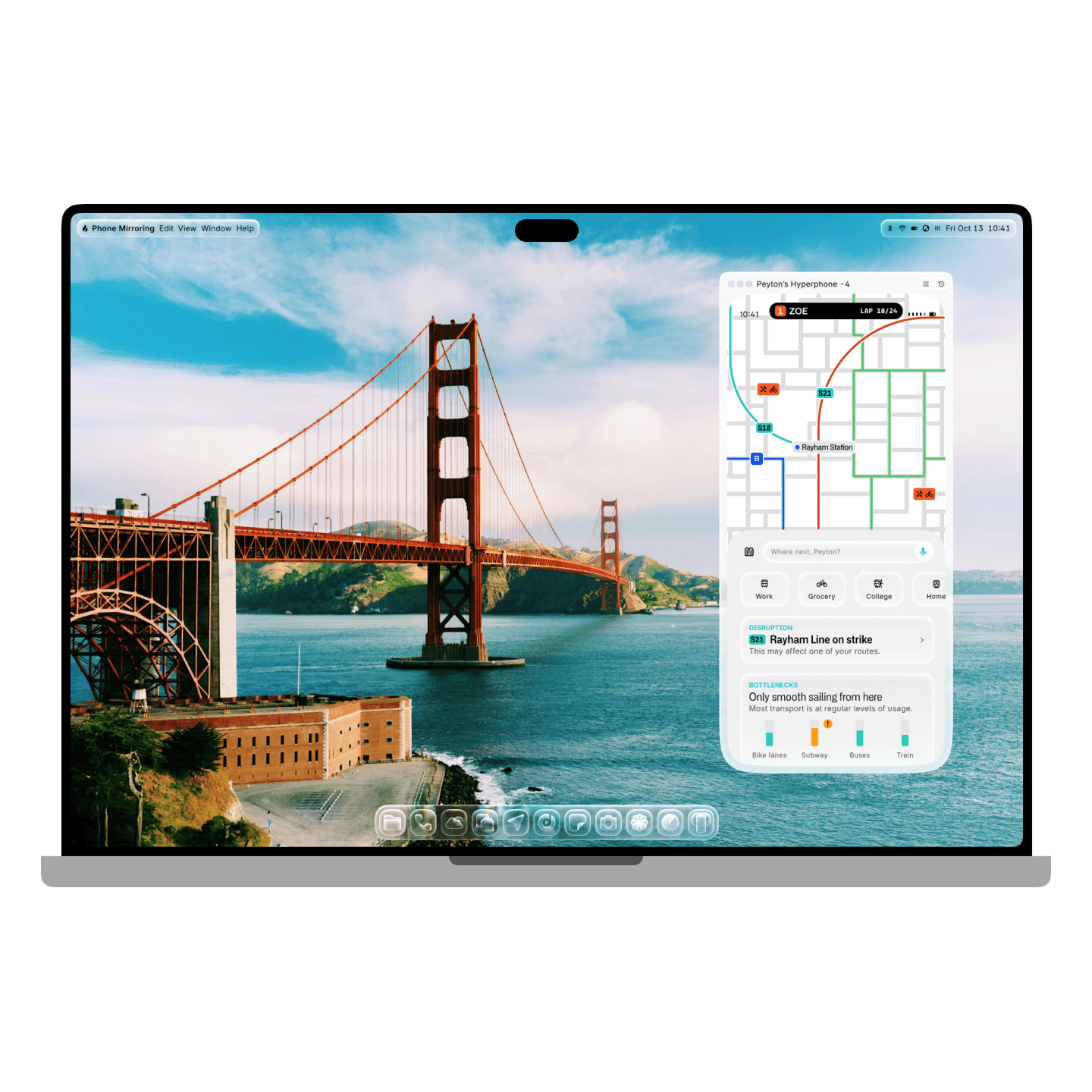
Mirror, mirror, on the computer.
Phone Mirror makes it easy to see and control your phone screen on your computer or tablet. With Hyperphone and Hyperbook or Hypertop, you'll even get notifications and see Live Updates in Dynamic View or the menu bar.
Ray
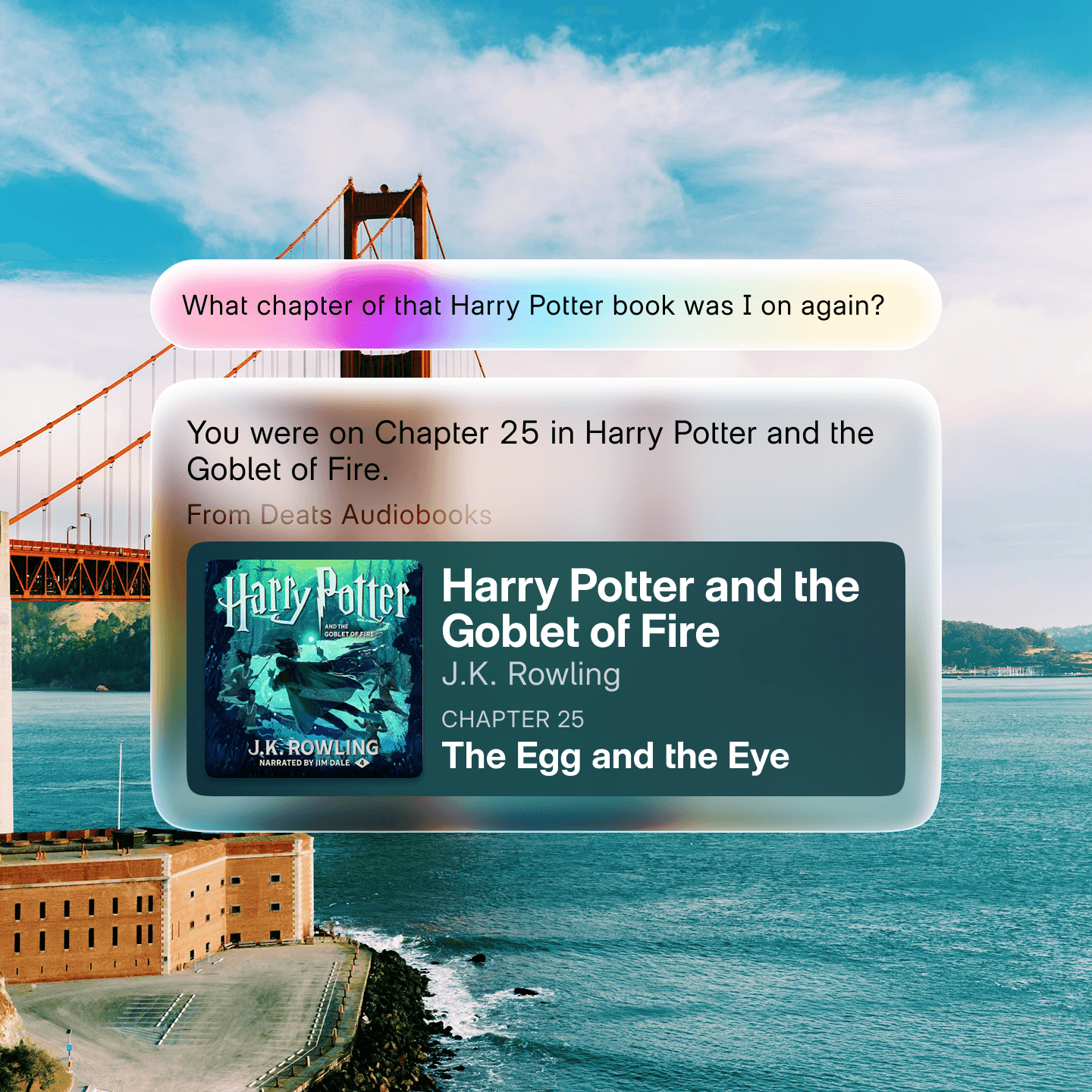
Ask Ray about anything, anywhere.
You can use Ray to find information easily by double-pressing the Blaze button.
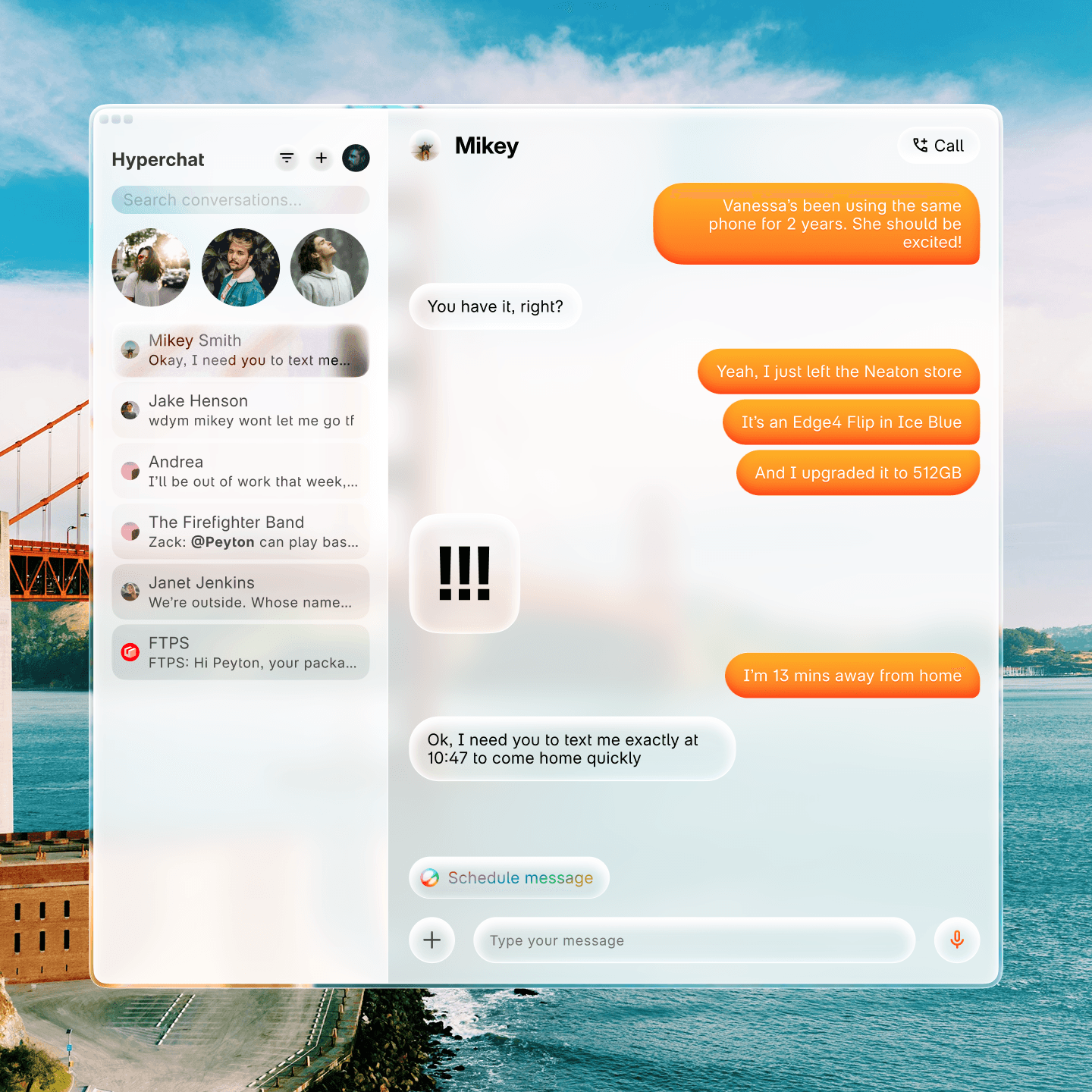
Always ready to speak up or jump in.
Ray is able to analyze how you use your Hyperbook and figure out when it's most convenient to step in, like if you need to remember to email your teacher when you arrive at your dorm.
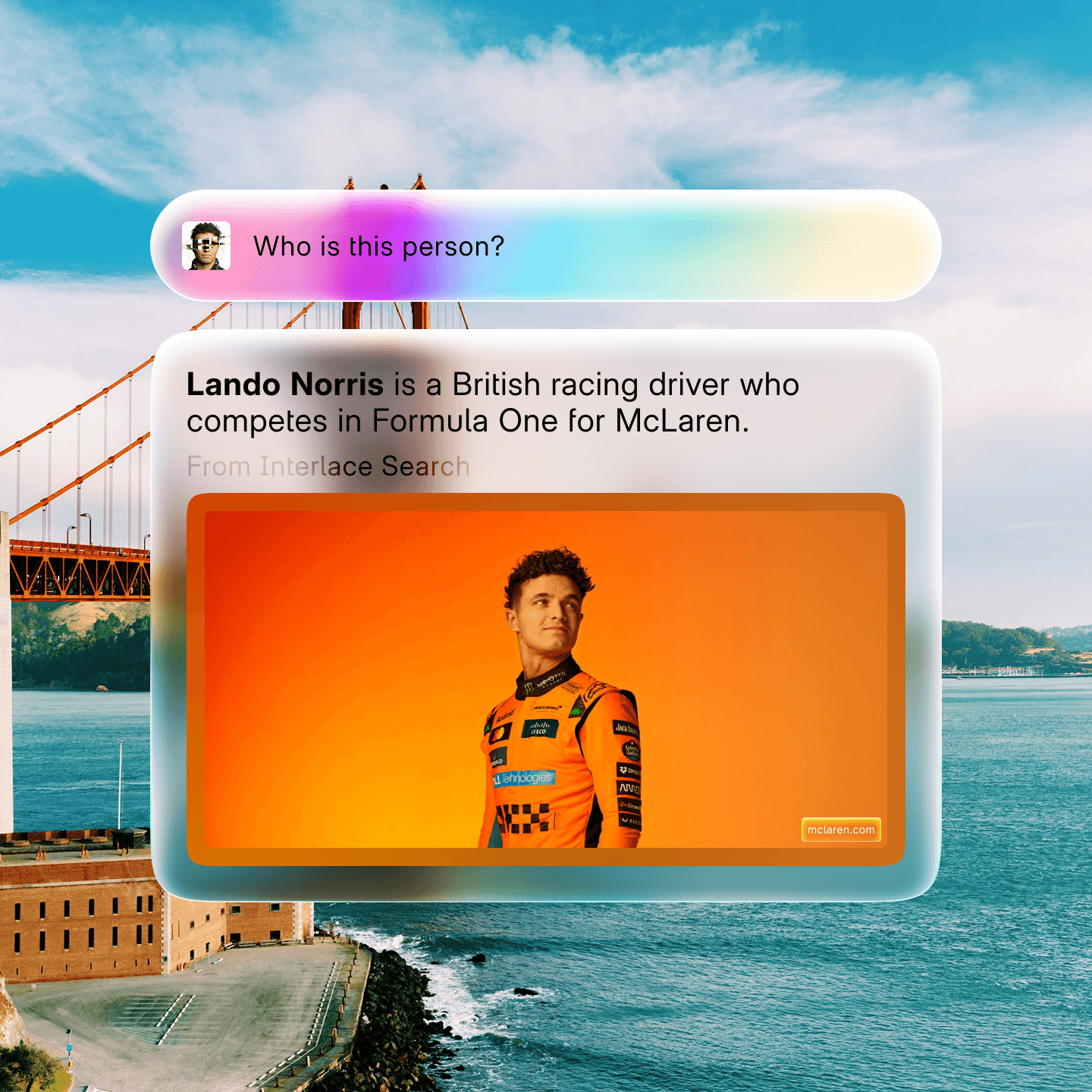
Ray Vision. What you see, you can learn.
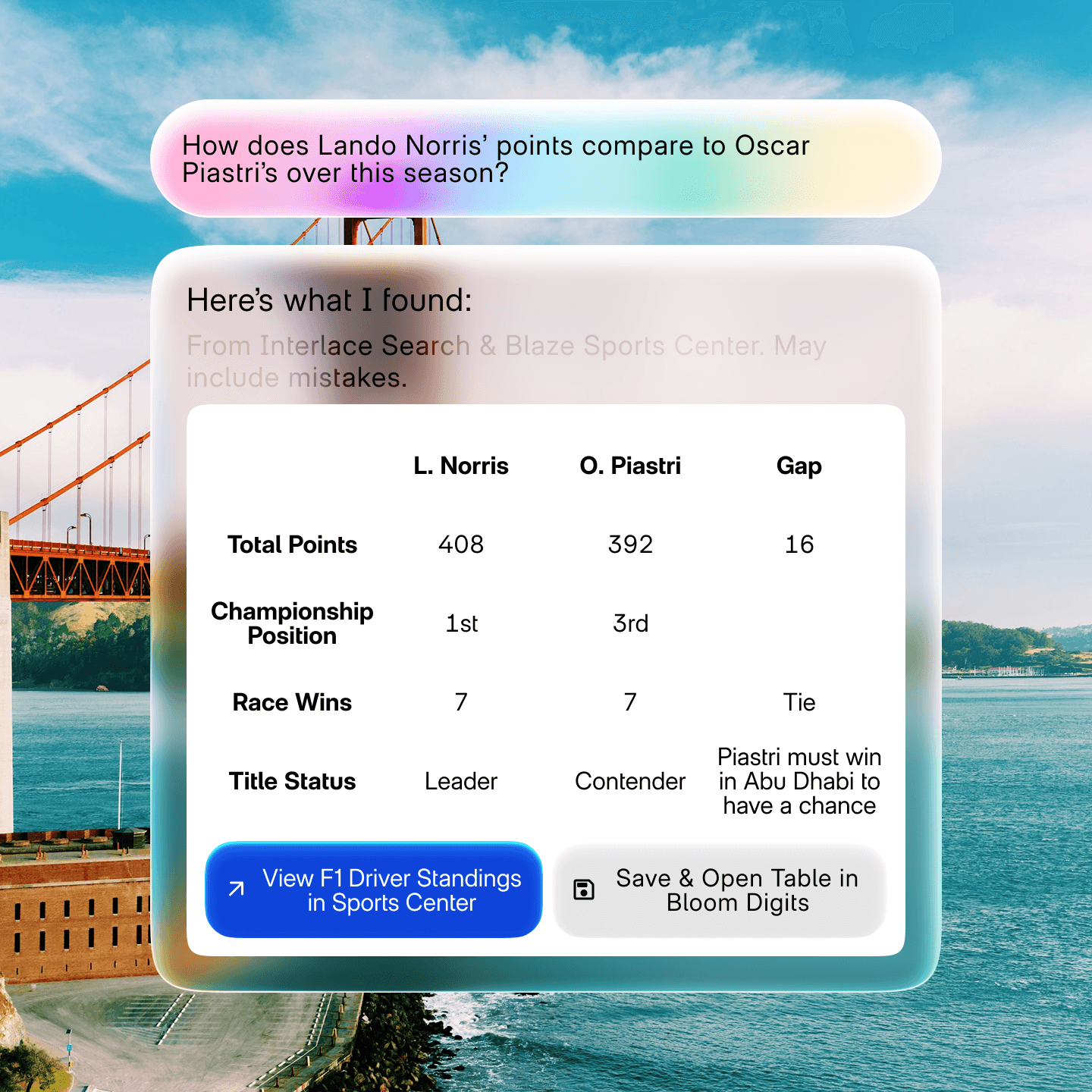
Use Ray Vision to learn about objects, places, pets, plants, and content on your screen by activating Ray and taking a screenshot.
Productivity
Bloom blooms onto desktopOS.
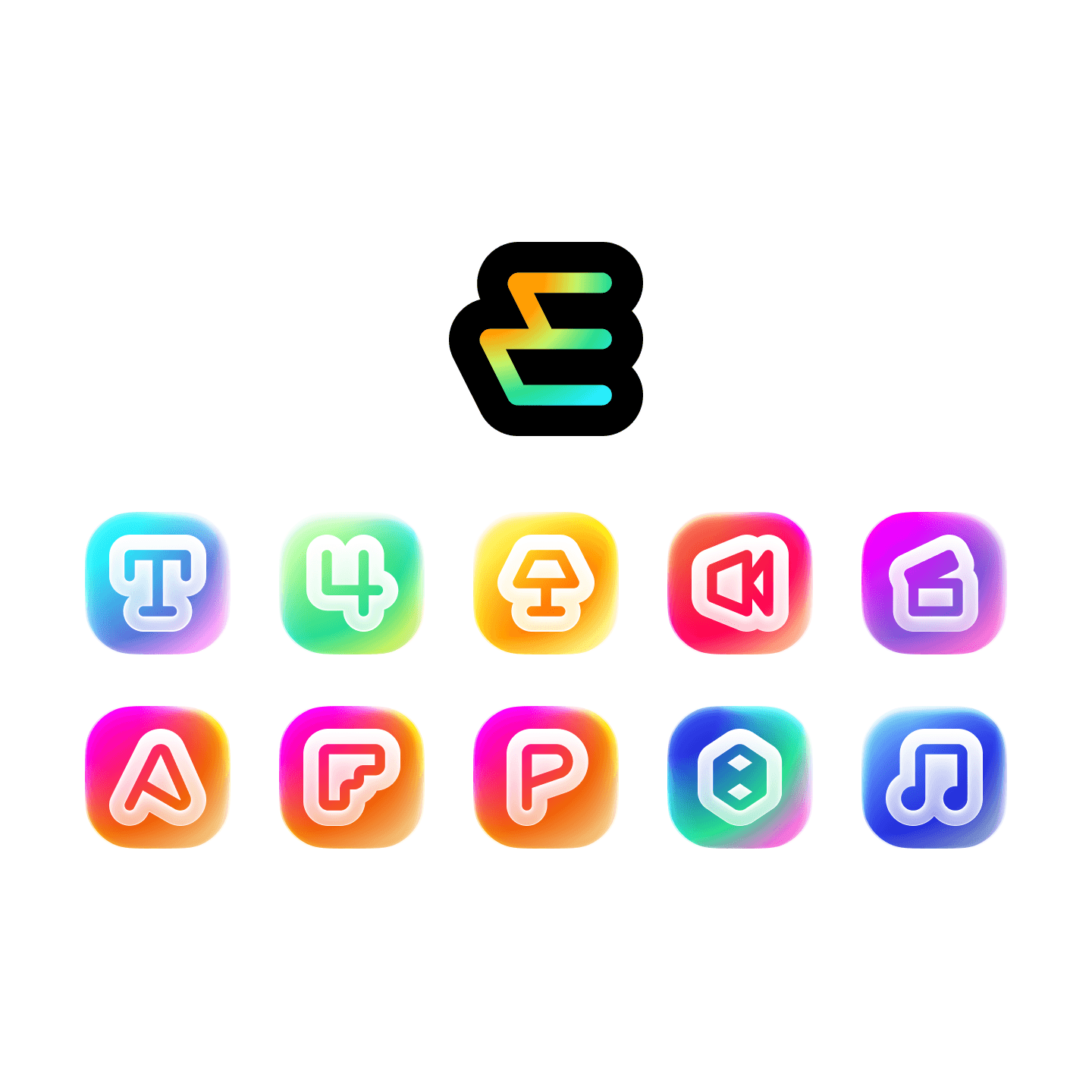
Bloom Express apps are now available as soon as you're done setting up your computer. Use Text, Spotlight, Clips, and more without any subscription or internet connection.
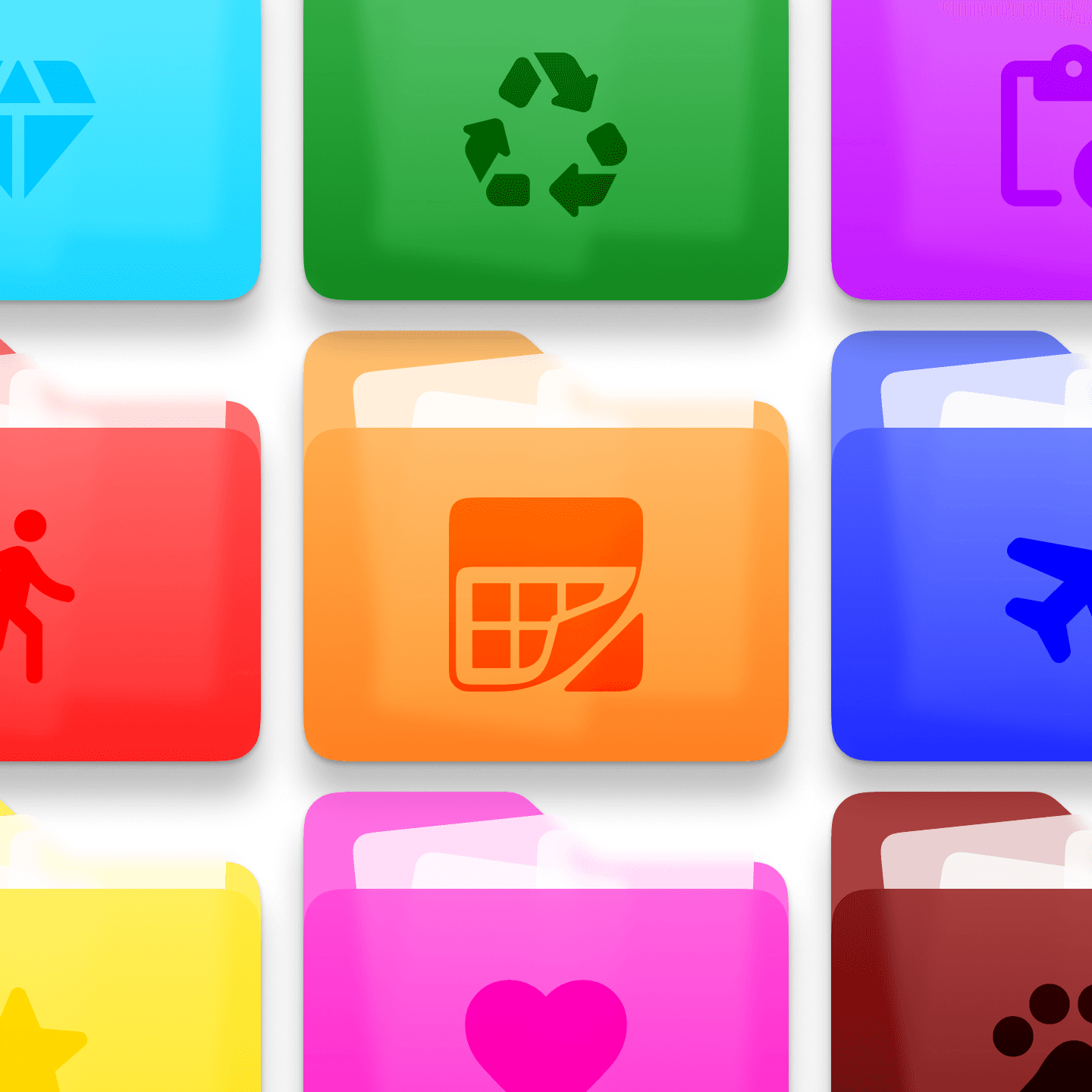
File files your way.
Customize folders with colors, symbols, and emojis to make them look how you want.
Hypershare to collaborate.
You can Hypershare a document to someone nearby to work on it together. Works in Bloom and other supported apps, even with devices that don't support Hyper Network 2.
Interlace
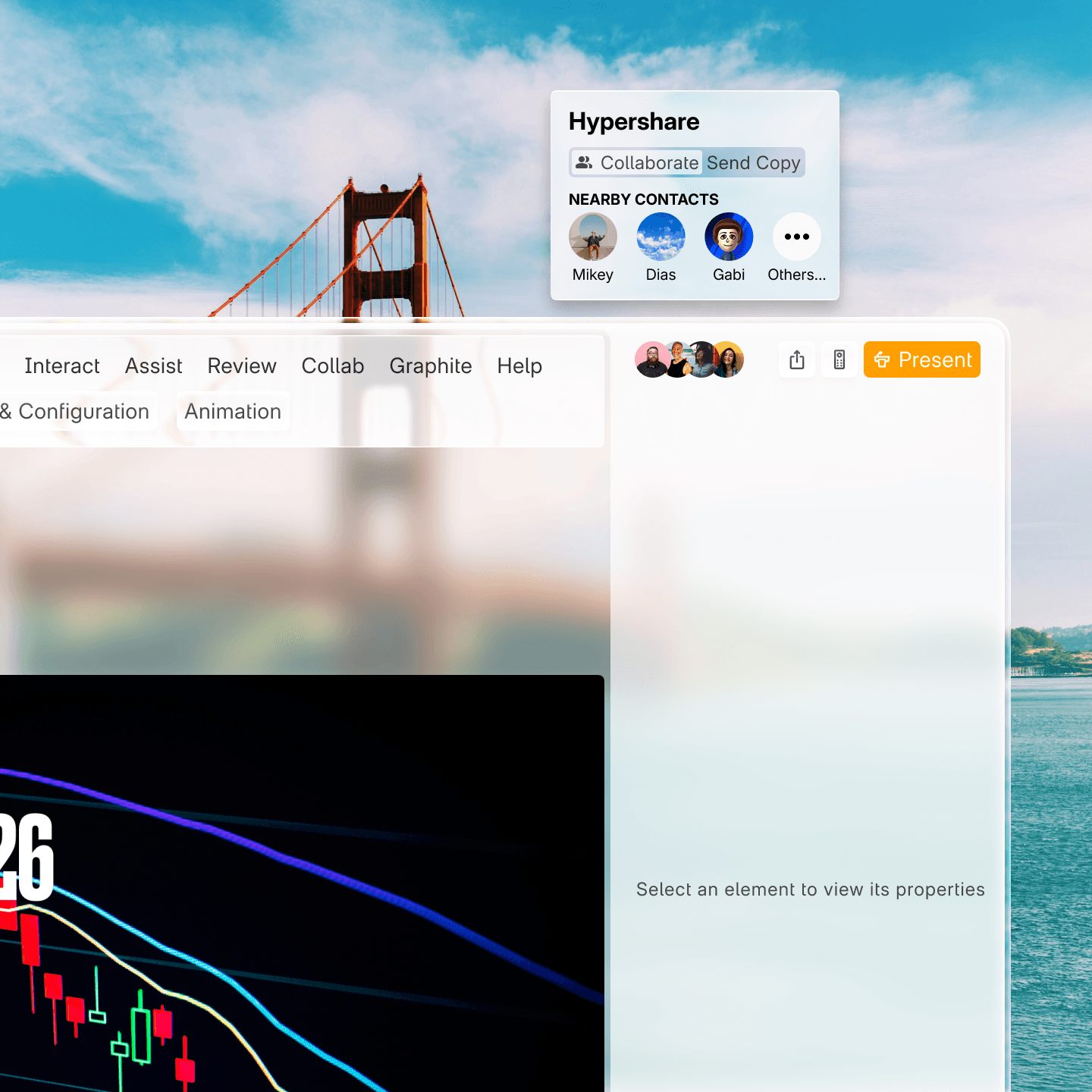
Ray can search the world for any answer.
With the power of Interlace, Ray can find just about anything for you. Search up a new recipe, find the latest story, or figure out if your favorite F1 driver can still win. Ray can even create custom layouts to show the results in the best way possible. If it’s on the internet, Interlace and Ray can find it for you.
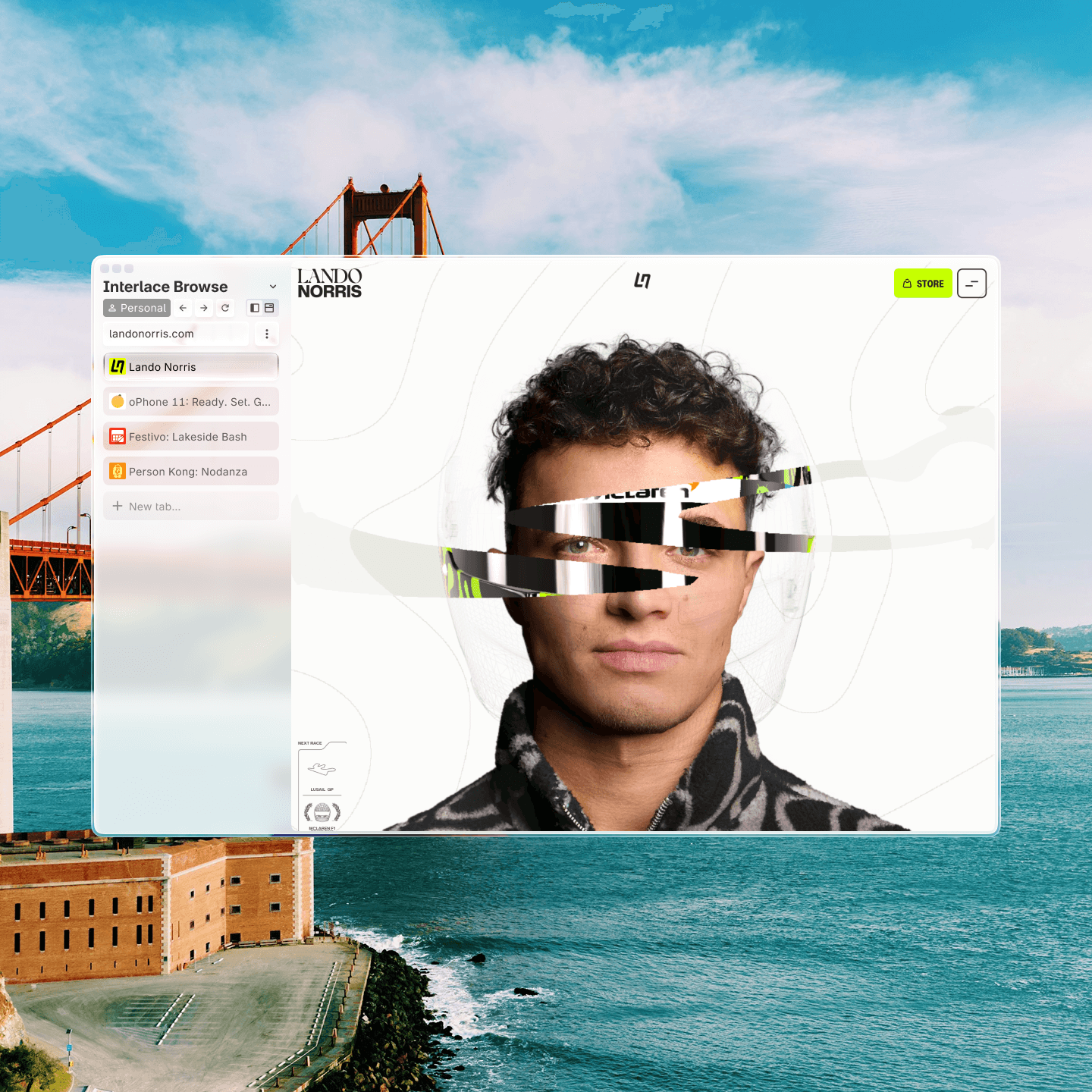
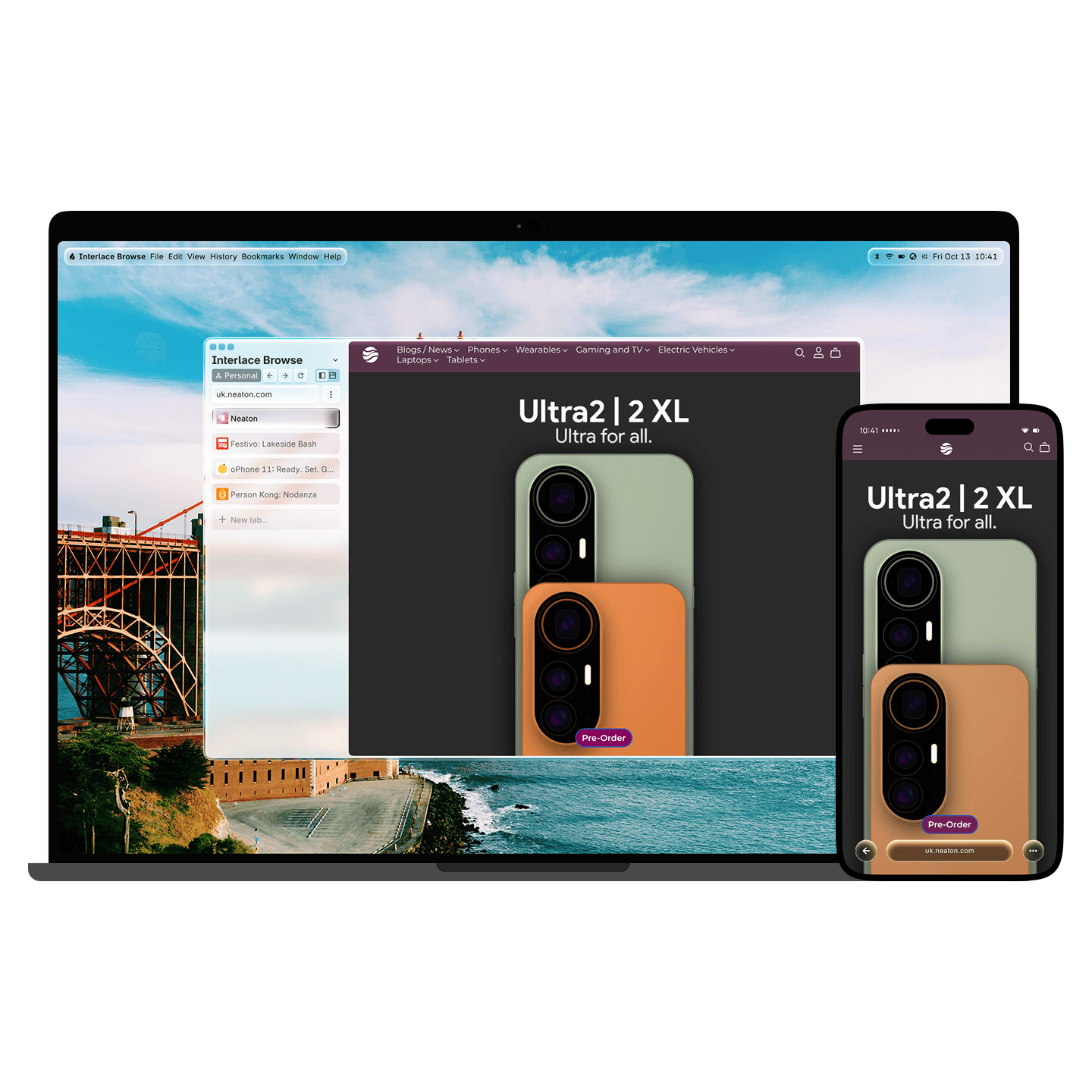
Interlace Browse gets personal.
Interlace Browse now adapts to the website you're visiting by adjusting its color scheme. Or if you want to add your own personal flare, use Makeover to customize the website to your hearts content.
Interlace Browse stays in sync.
Your tabs can now sync across devices, so you can take the tab you had open on your phone and move it to your desktop instantly, down to the exact spot you were scrolled to.